


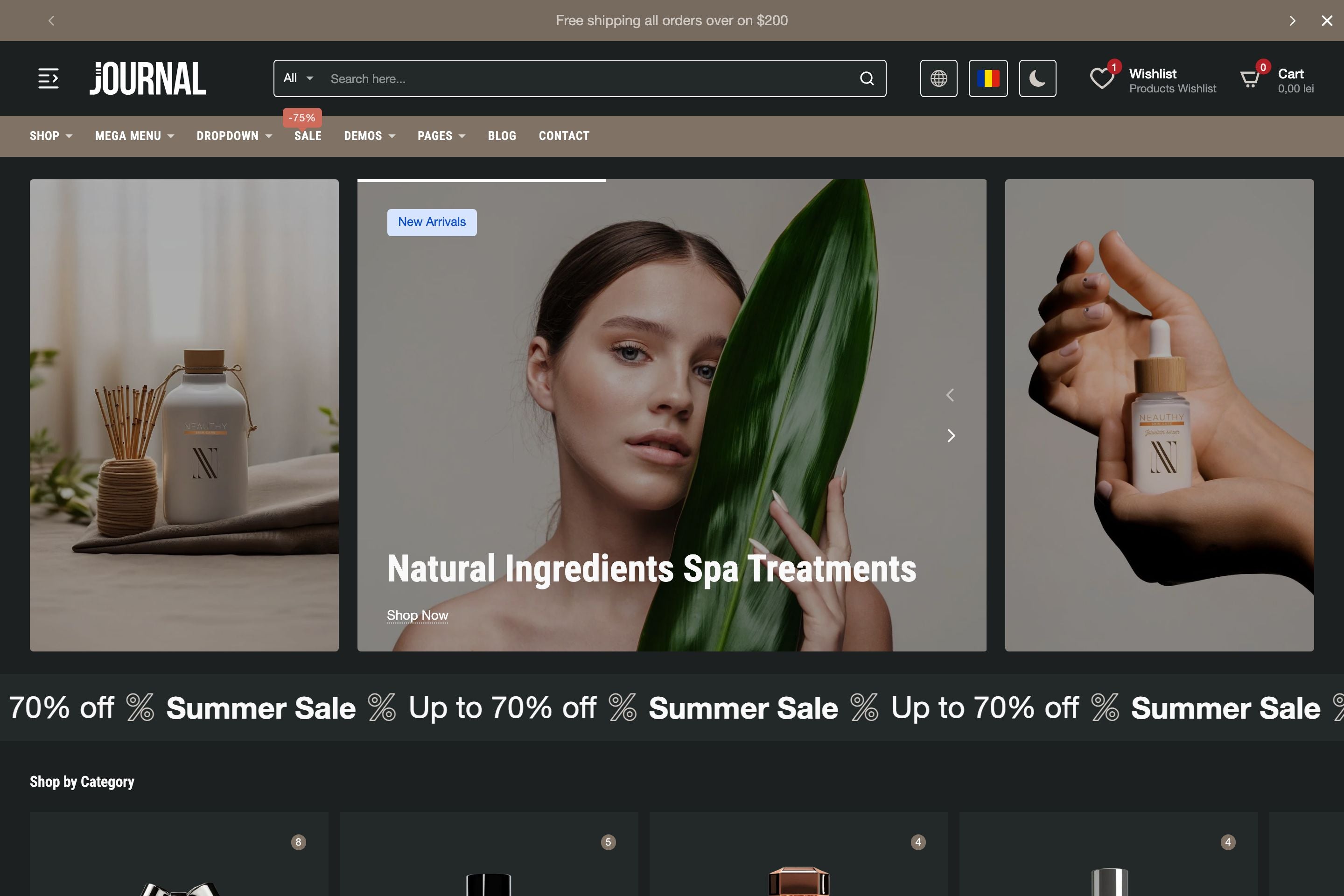
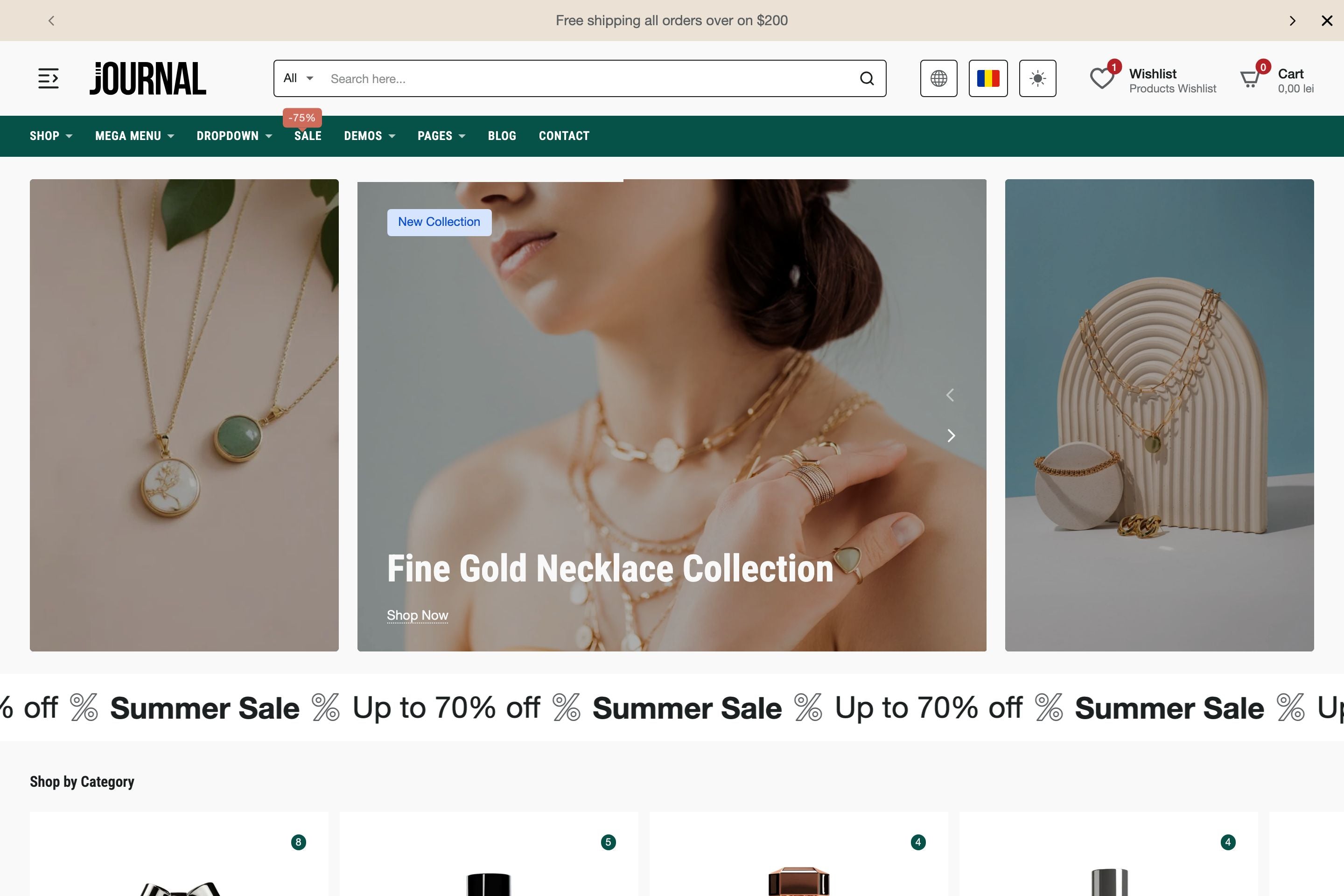

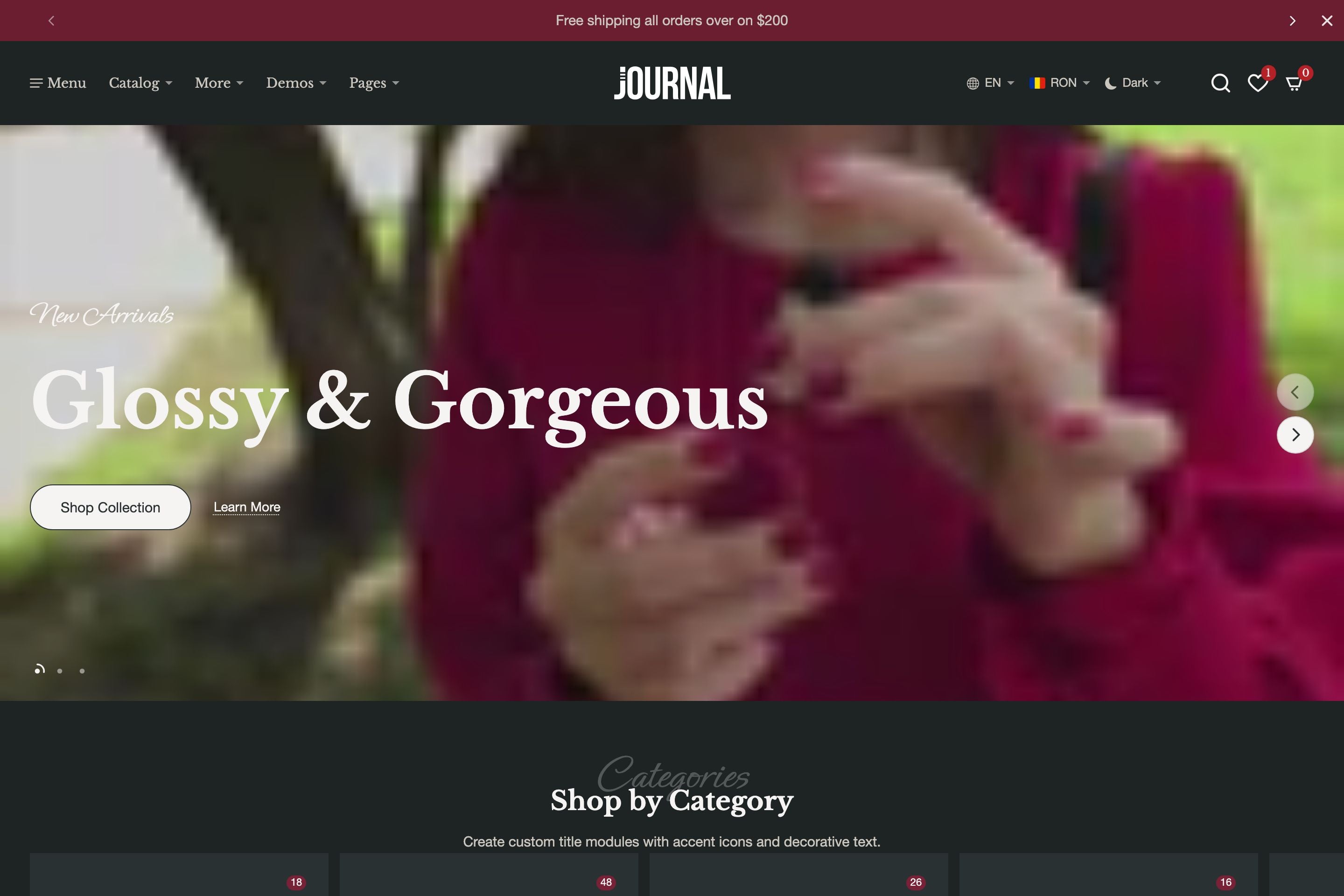
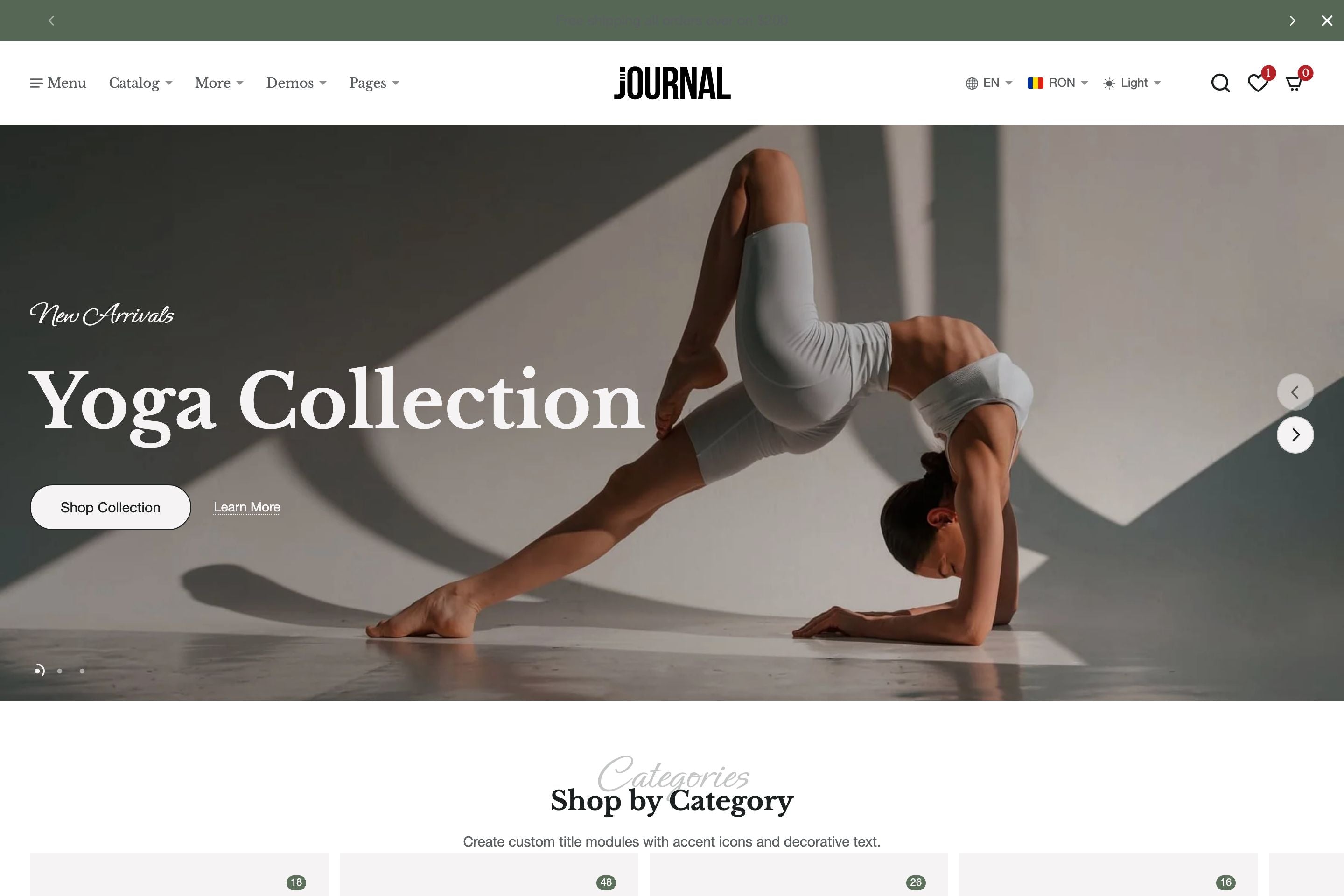

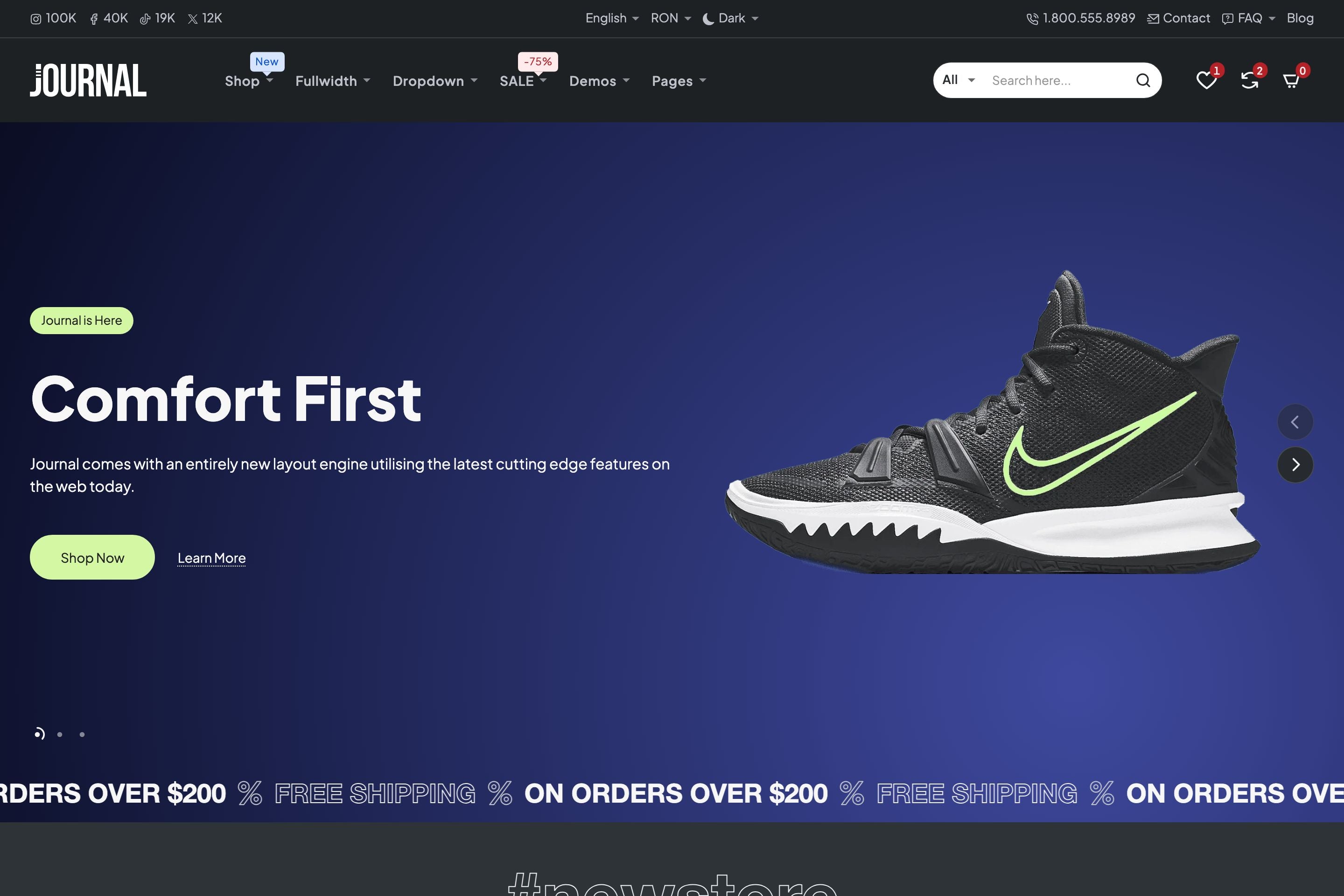
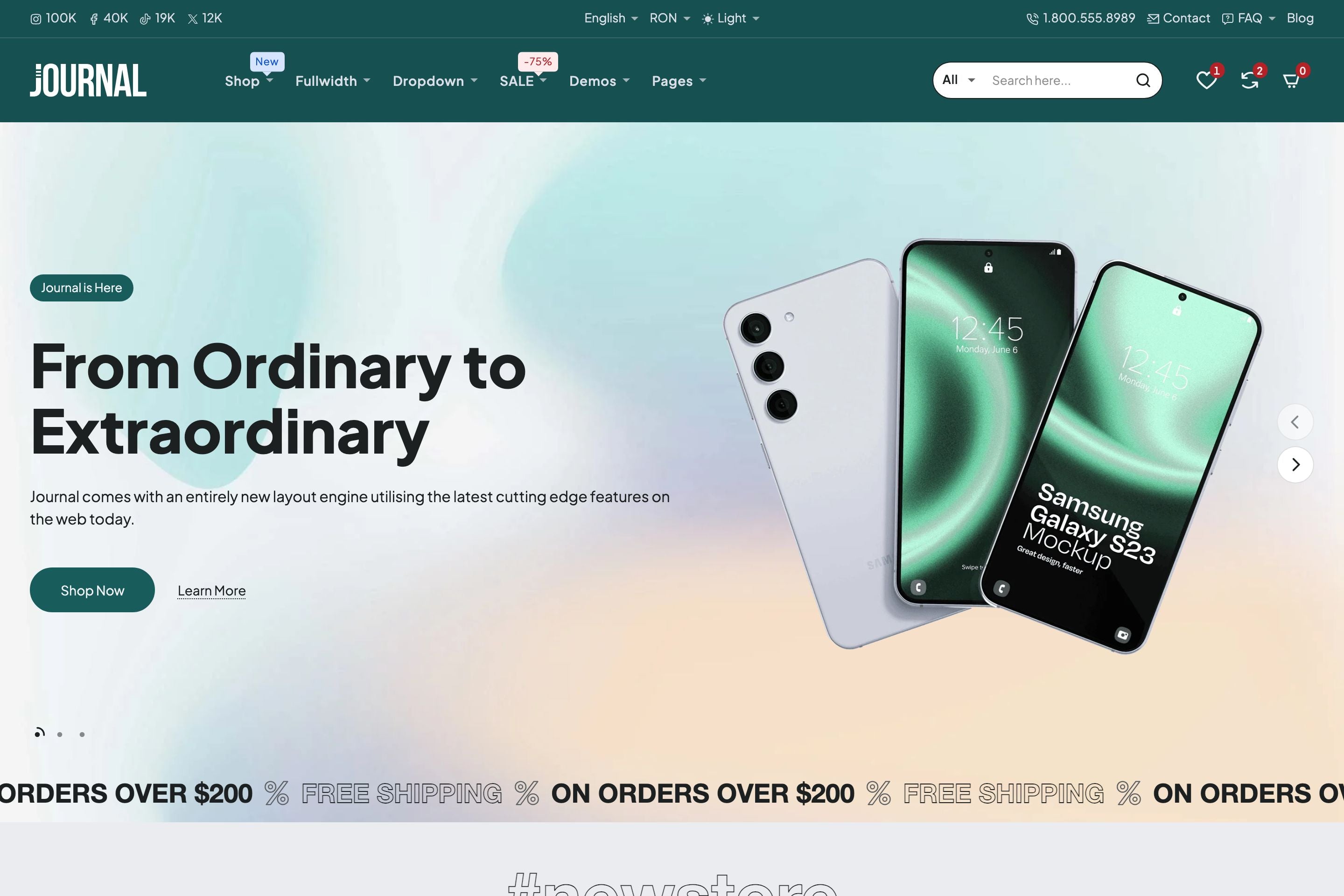

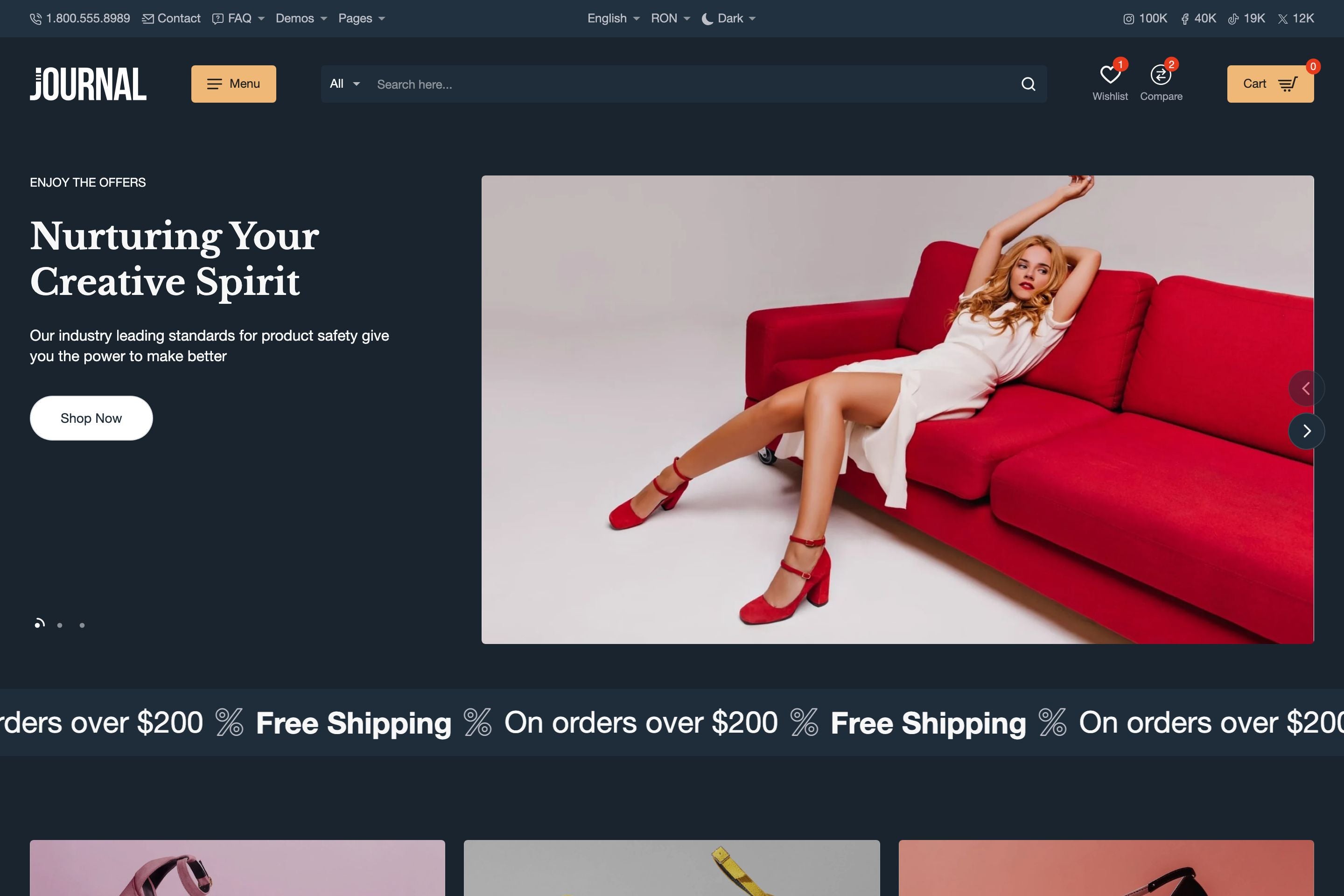
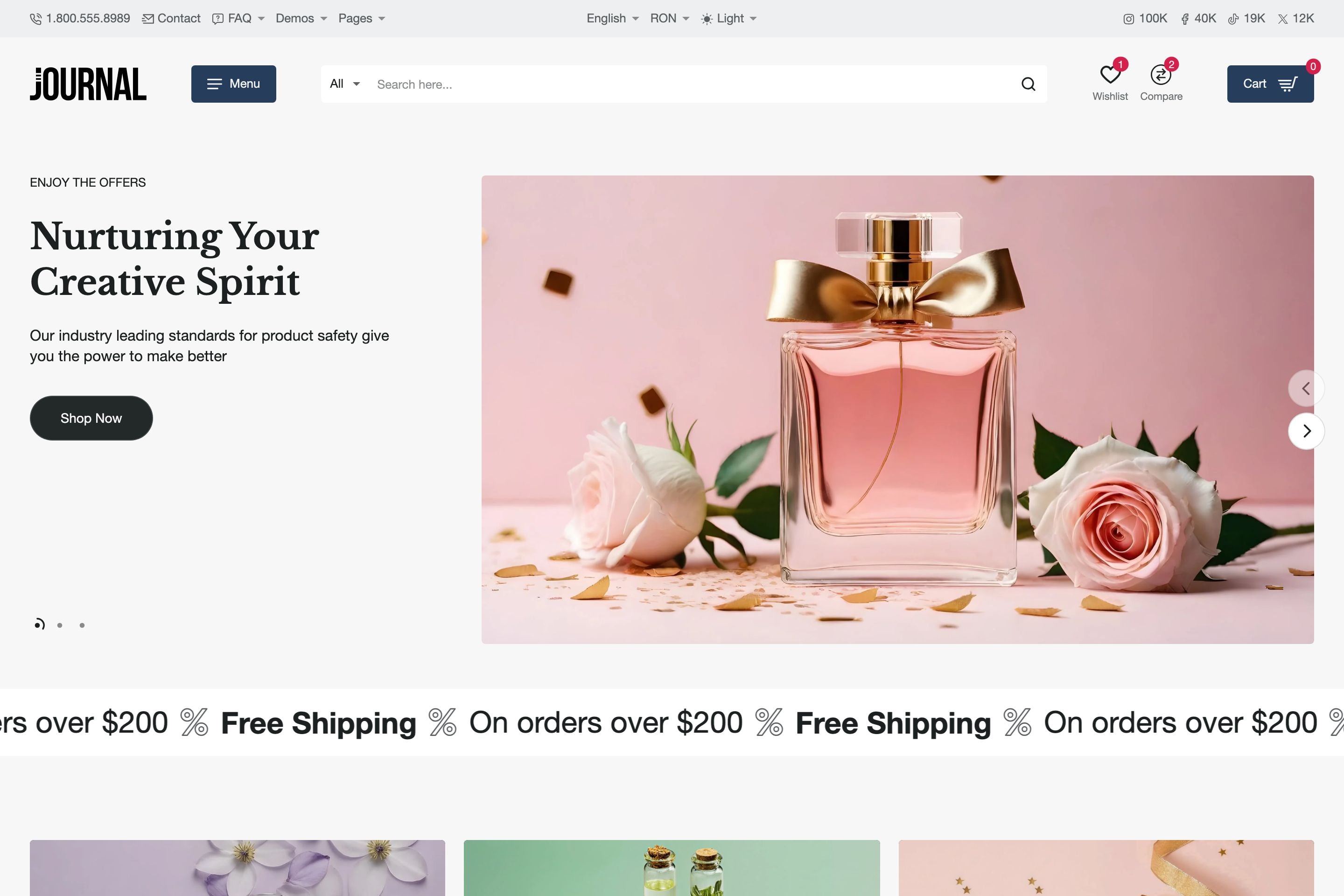

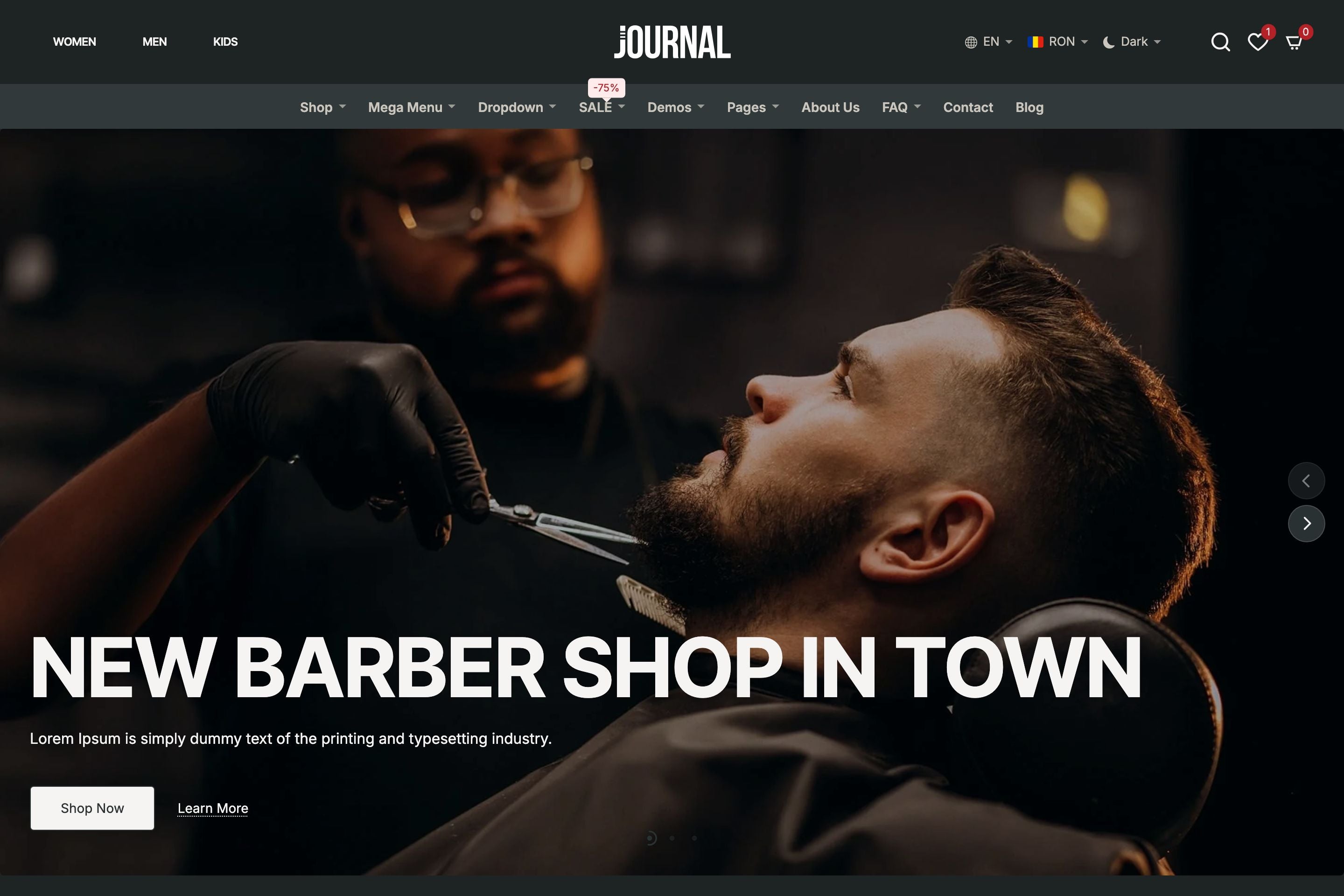
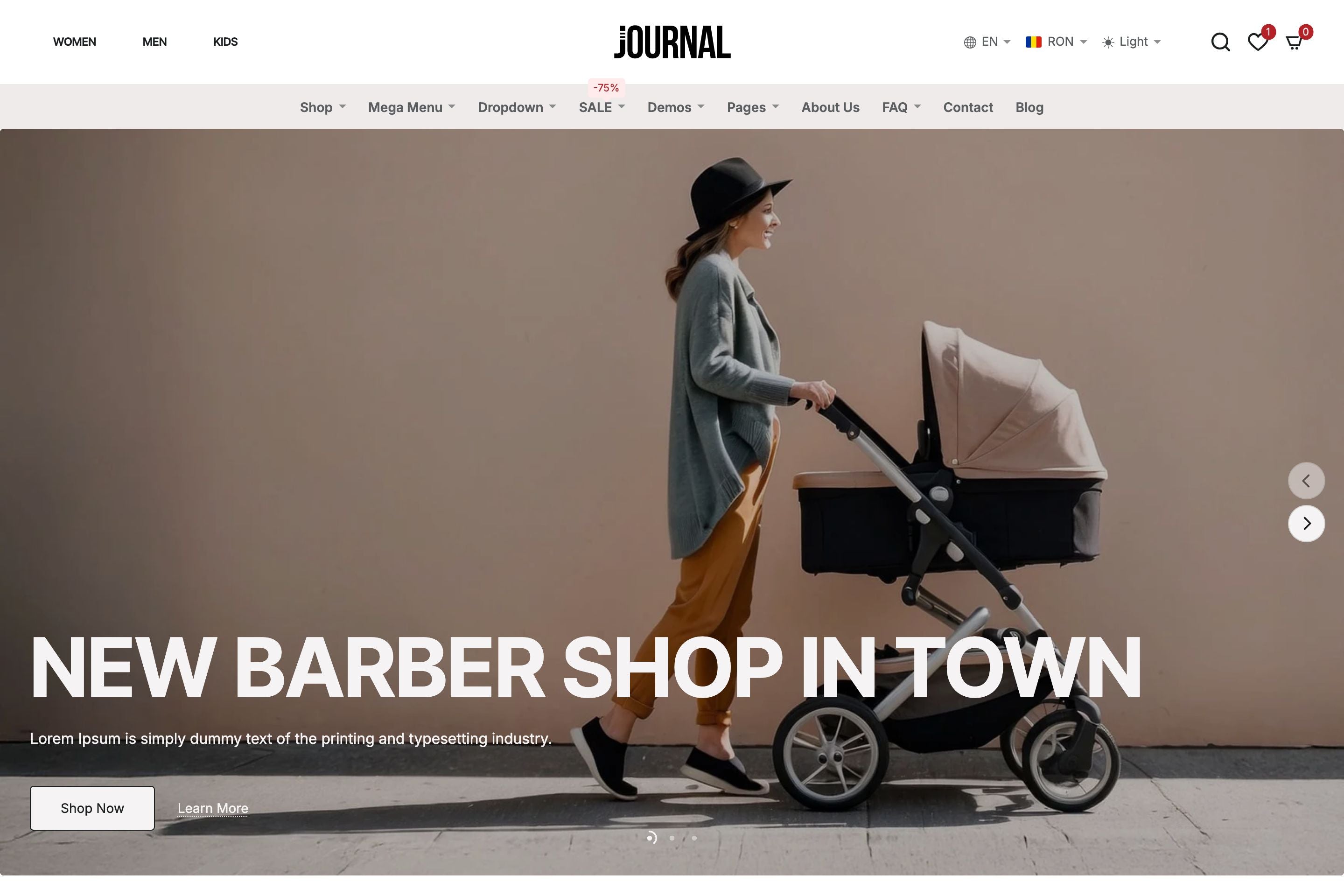

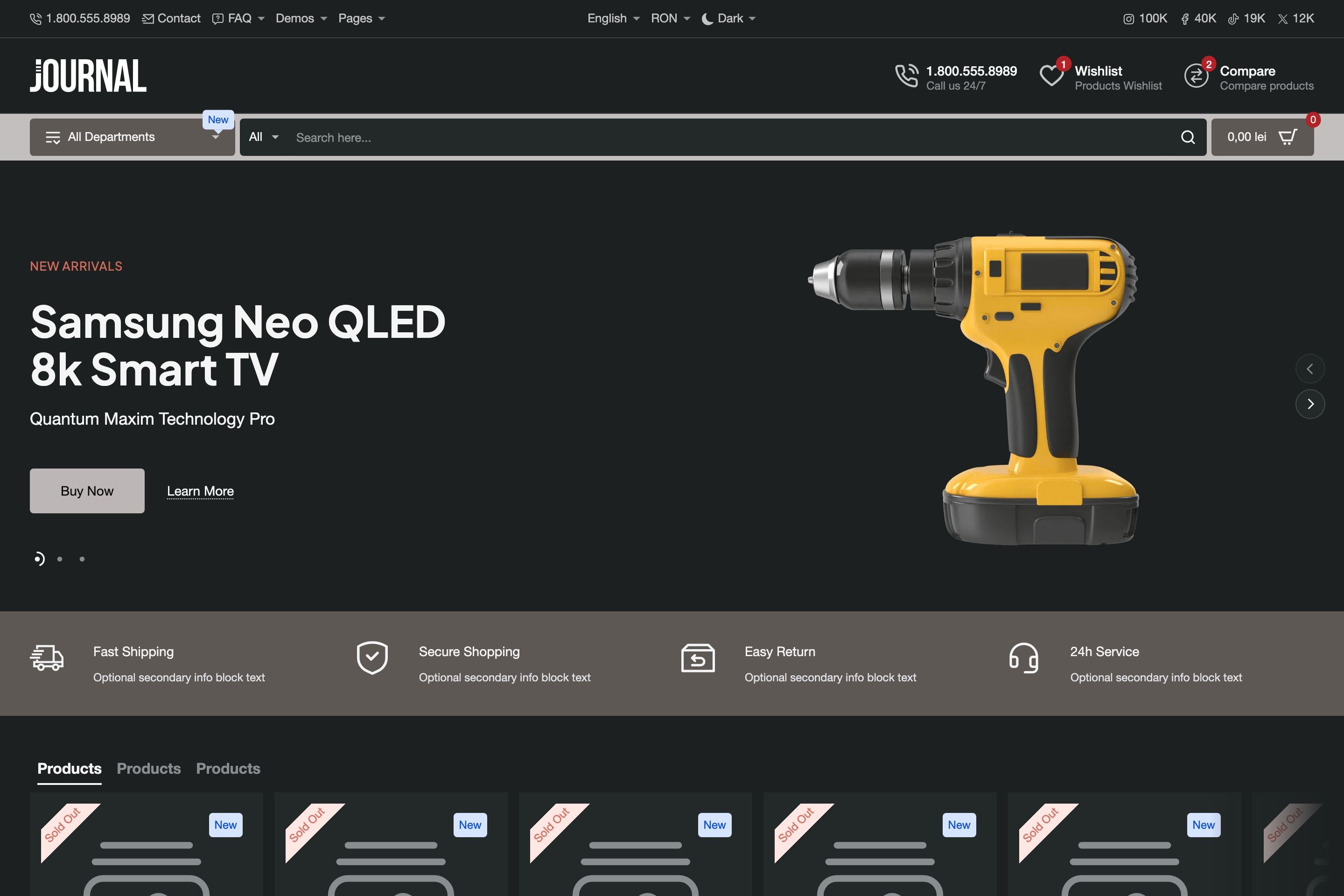
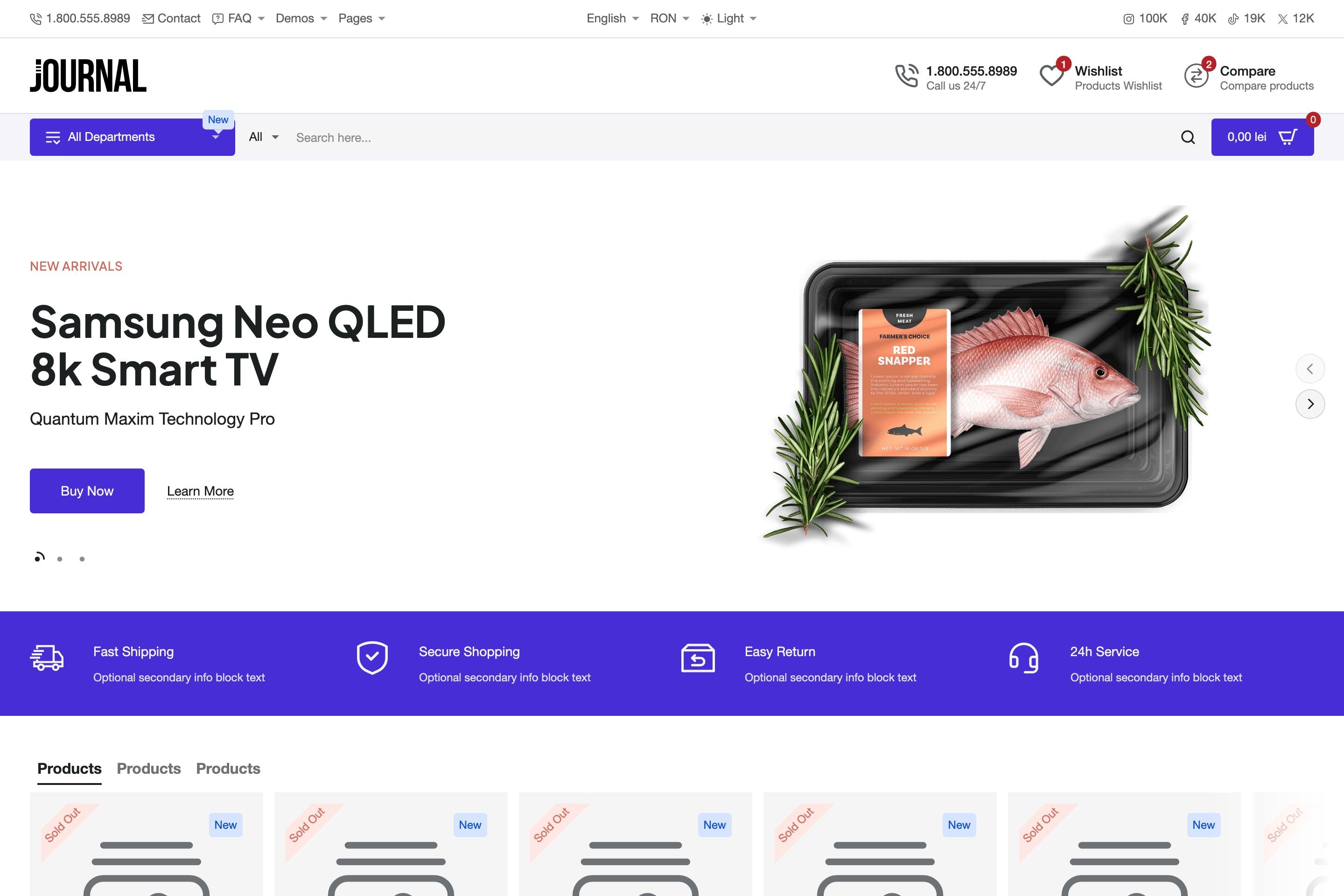

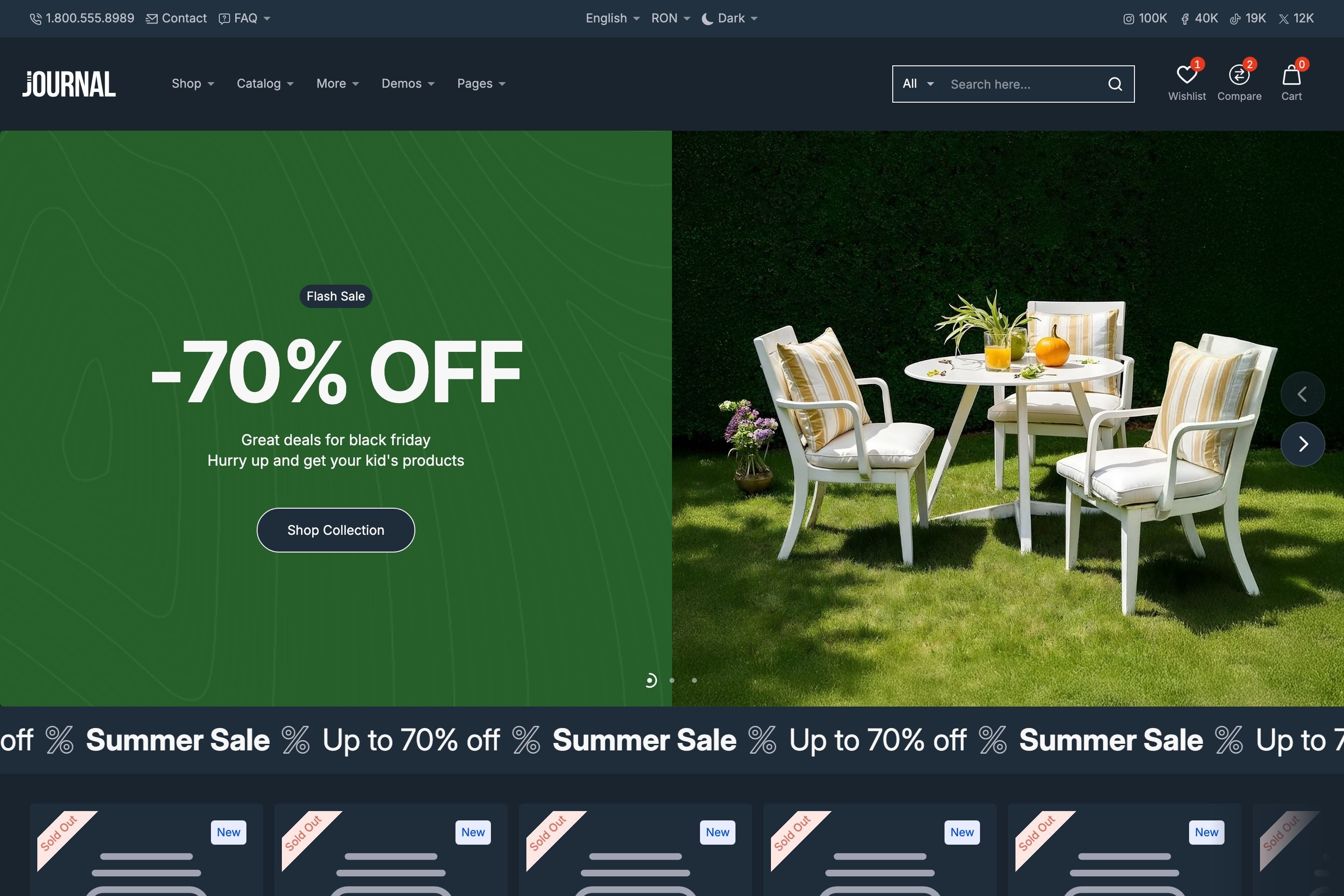
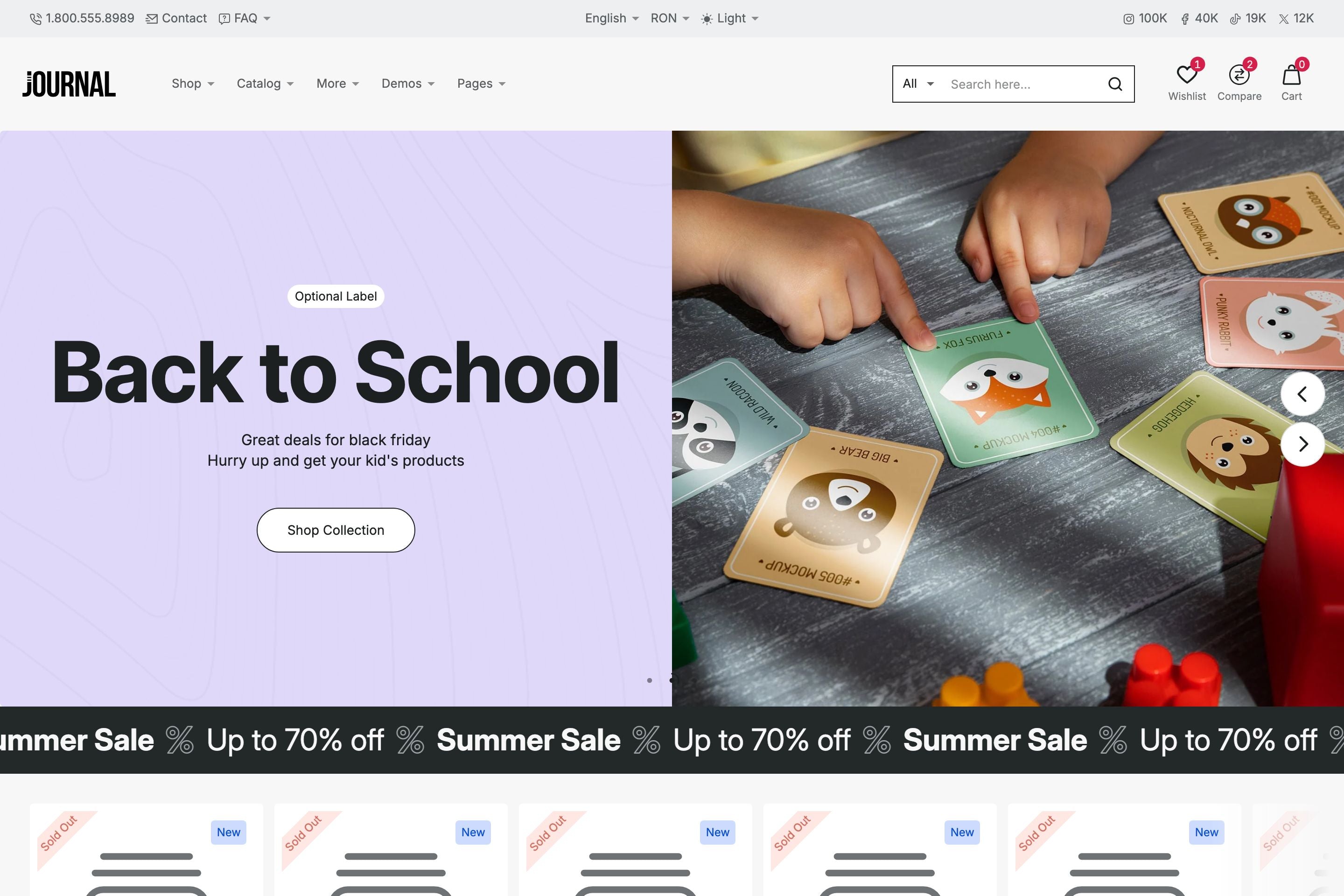


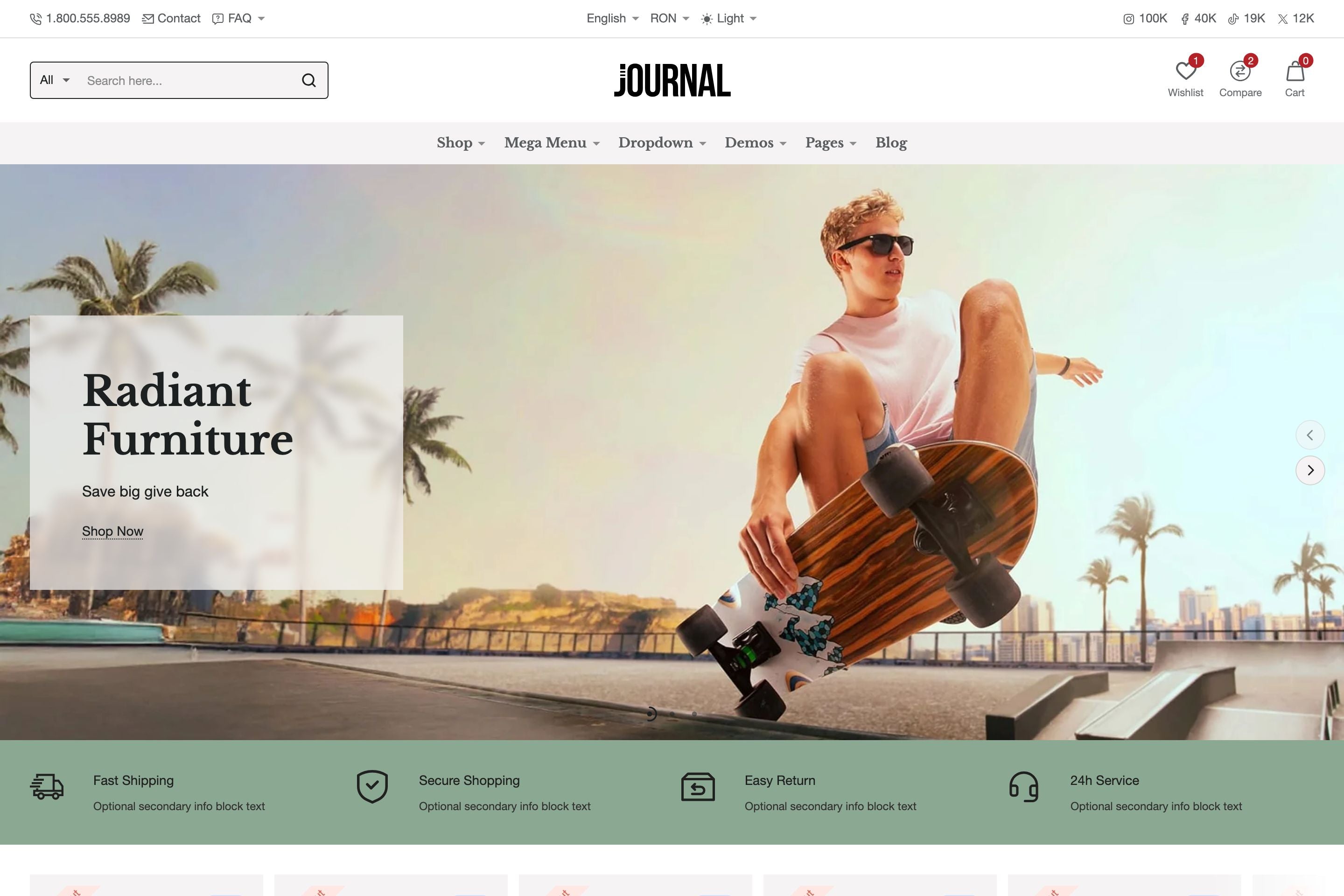

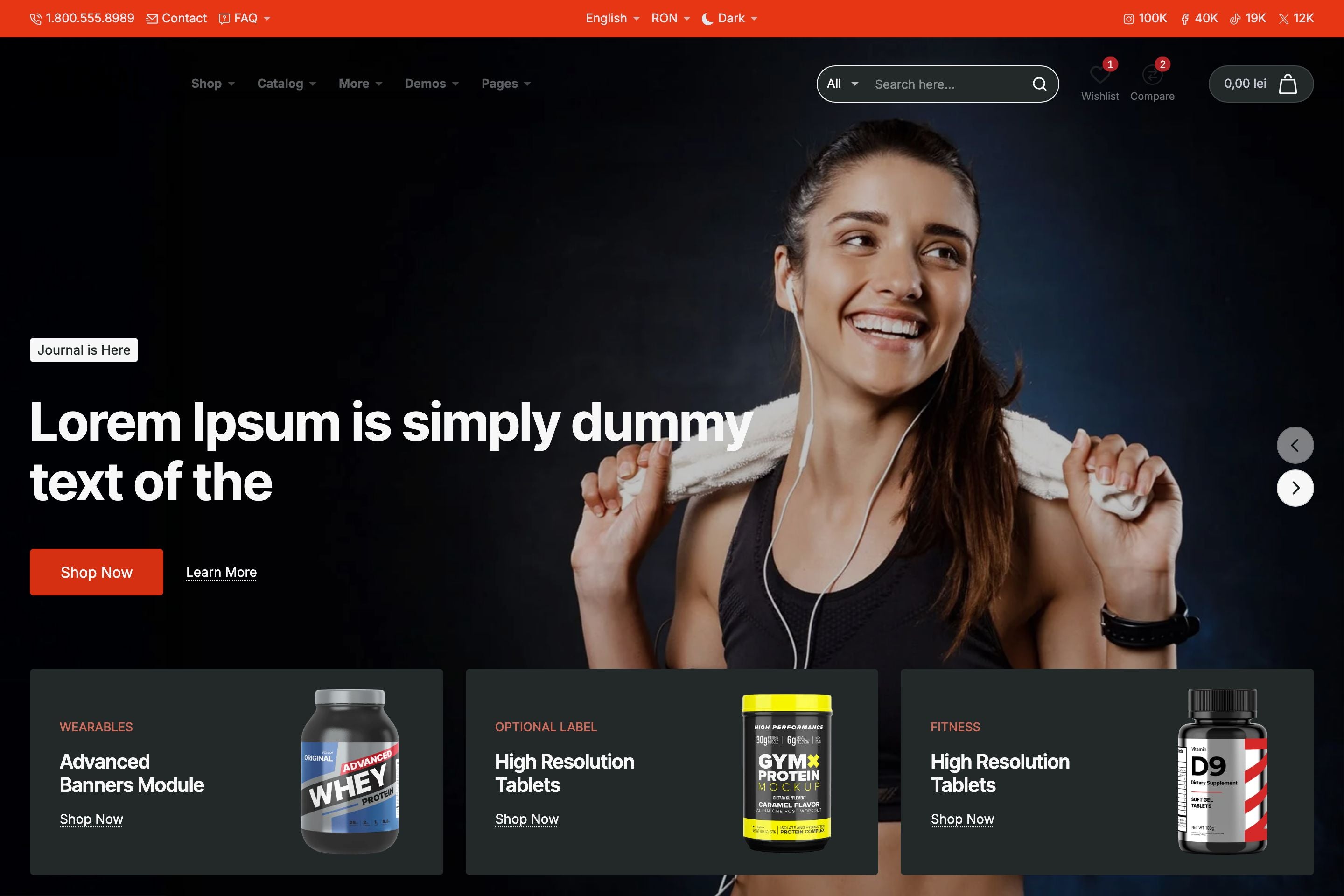


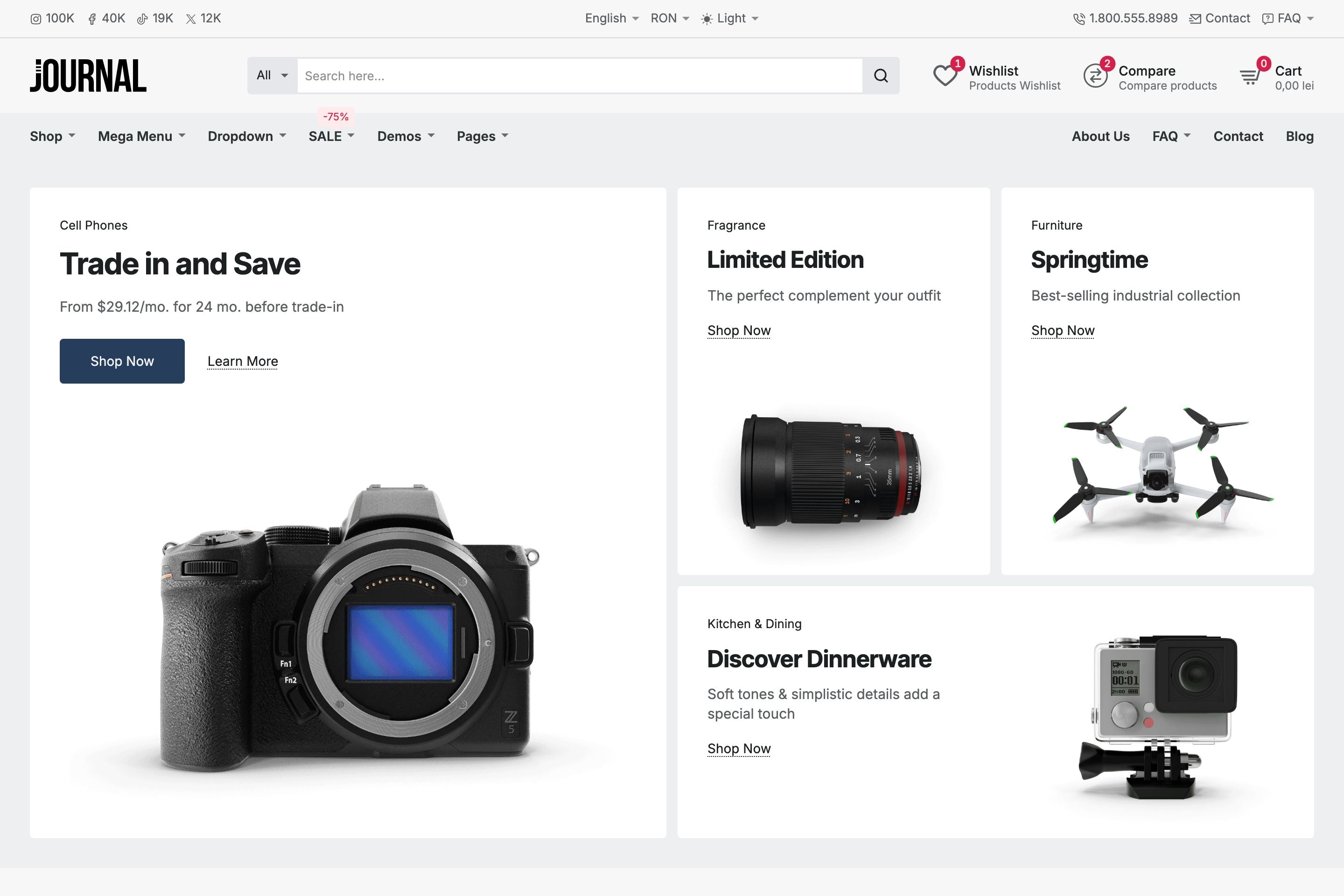

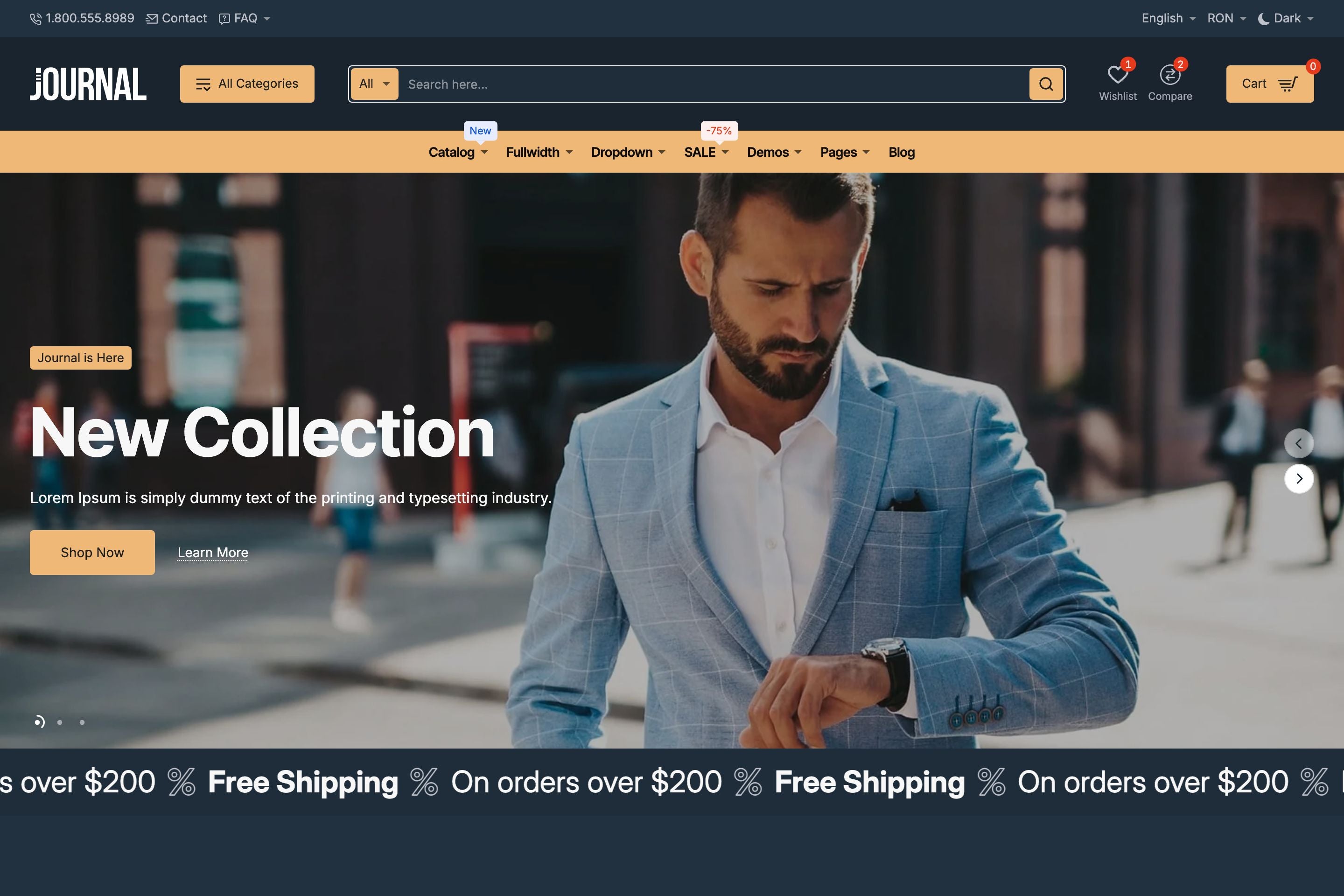


Journal comes with one of the most comprehensive sets of theme options available in the Shopify ecosystem. Built primarily on Shopify’s native Theme Editor, our theme options give merchants, developers, and designers alike granular control over every aspect of their store design.
Global and Per-Block Options
- Global options are found in the Theme Settings panel, covering all general aspects of theme functionality.
- Section and block options are available on a per-instance basis, allowing you to override global settings with block-specific configurations.
- This dual-level system ensures both consistency at scale and precision when needed.
Typography Options
Journal supports both Shopify’s built-in fonts and custom fonts, giving you freedom to match any brand identity.
Every text-based block comes with a comprehensive set of typography controls, including Journal’s proprietary auto-responsive font size mechanism using the f (fluid) and r (responsive) keywords.
Here's an example of using "r" or "f" keywords in your input options:
- 60r = 60px on desktop, automatically scaled down to 36px on mobile using the built-in coefficient multiplier.
- 14f = 14px minimum font size that grows fluidly with container width, ideal for large hero sliders font sizes.
This eliminates repetitive per device definitions and ensures text remains readable and consistent across devices, especially large hero slider blocks text that tends to be larger on desktop.
Colors & Branding
Journal makes use of Shopify’s advanced color schemes engine to provide unprecedented control:
- Create unlimited color schemes
- Apply them globally, per section, or per block
- Switch between Light and Dark mode with a single toggle
These tools allow you to manage colors & branding at both the macro level (sitewide) and micro level (individual blocks) faster than ever.
Advanced Layout Blocks
Journal ships with 50+ multi-purpose theme blocks ranging from more complex slider blocks, CMS blocks, products, collections to simple marquee scrollers. Our blocks can be arranged through rows and columns in Shopify’s native Theme Blocks interface, enabling complex layouts without third-party apps.
Interchangeable Section Presets
Journal exposes its sections as presets, making it possible to:
- Mix and match structures from different demos
- Swap individual blocks into your own layout.
- Prototype faster with preconfigured design elements
This flexibility lets you build unique store layouts while still leveraging our demo-ready designs.
In a Nutshell
For merchants, developers, designers, Journal’s theme options mean:
- Less reliance on custom code for typography, colors, and layout
- On-brand color controls for any type of store
- Faster prototyping through reusable presets
- Pixel-perfect control of branding and design across the entire storefront
To learn more about Journal, please check out the documentation and video tutorials. If you have additional questions, please reach out in the comments on Envato Market.
Table Example
| Firstname | Lastname | Phone | |
|---|---|---|---|
| Lindsay | Walton | lindsay.walton@example.com | 123-456-7890 |
| Courtney | Henry | courtney.henry@example.com | 123-456-7890 |
| Tom | Cook | tom.cook@example.com | 123-456-7890 |
| Whitney | Francs | whitney.francis@example.com | 123-456-7890 |
| Leonard | Krasner | leonard.krasner@example.com | 123-456-7890 |
| Floyd | Miles | floyd.miles@example.com | 123-456-7890 |
Responsive Image Example

Responsive Video Example


