


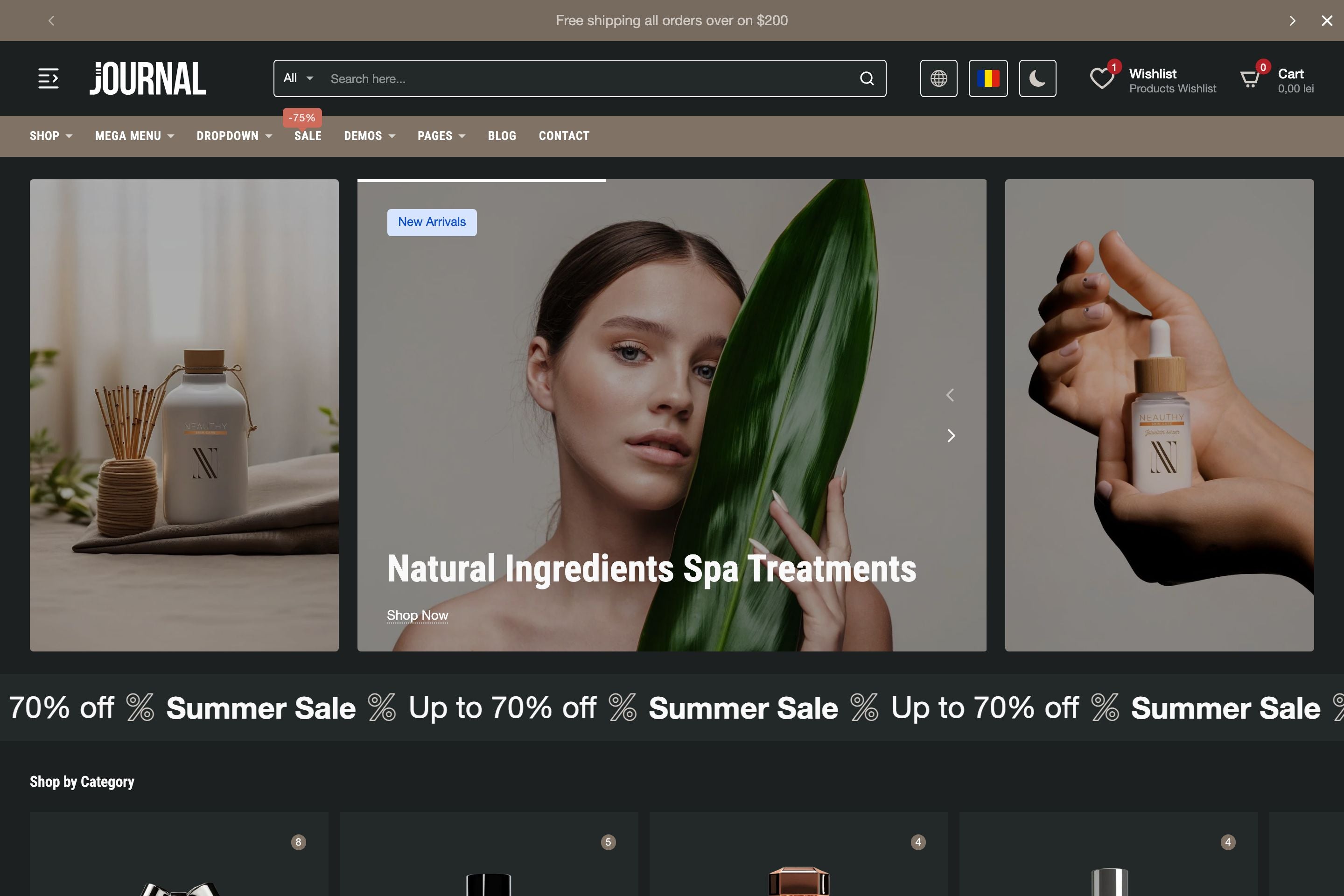
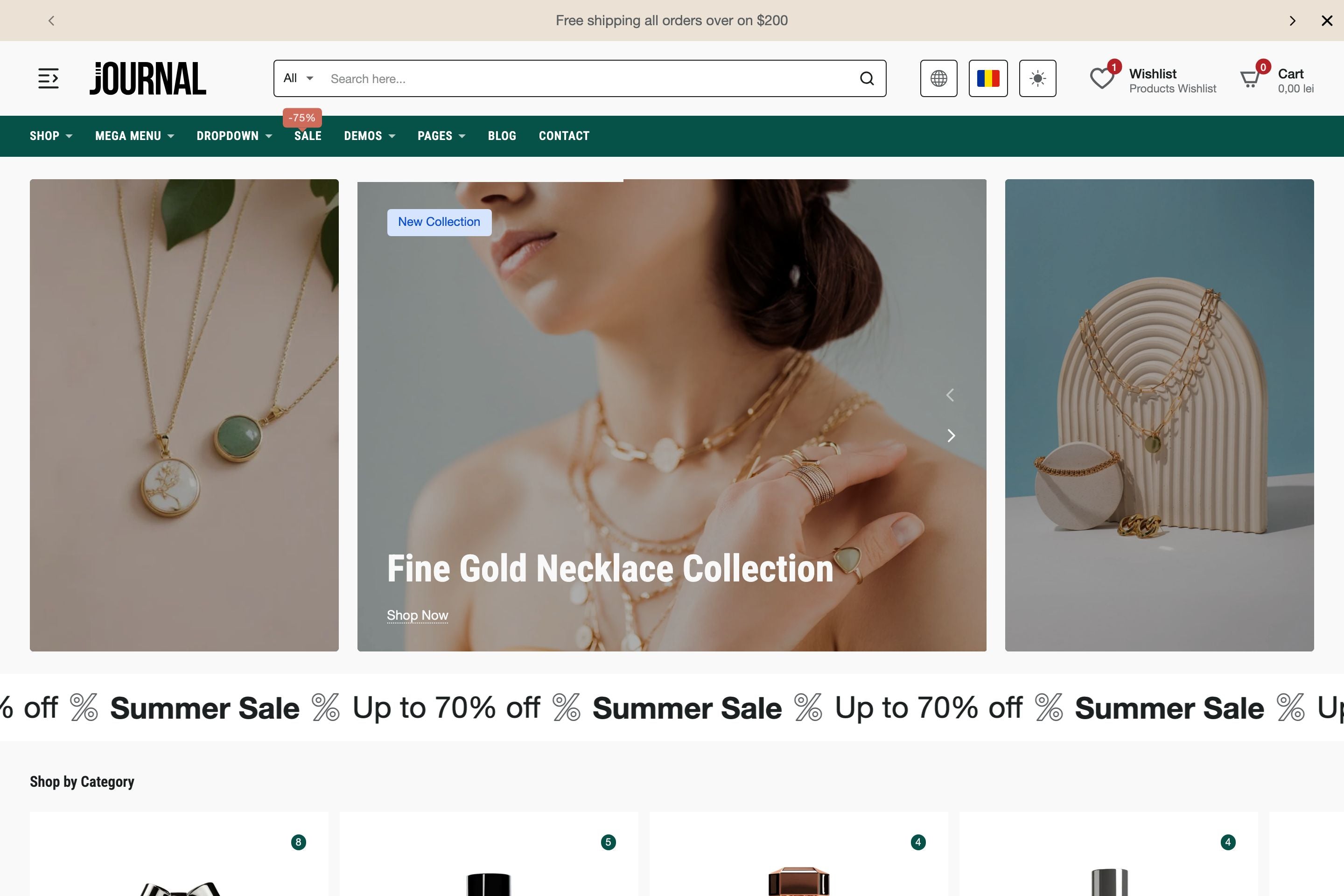

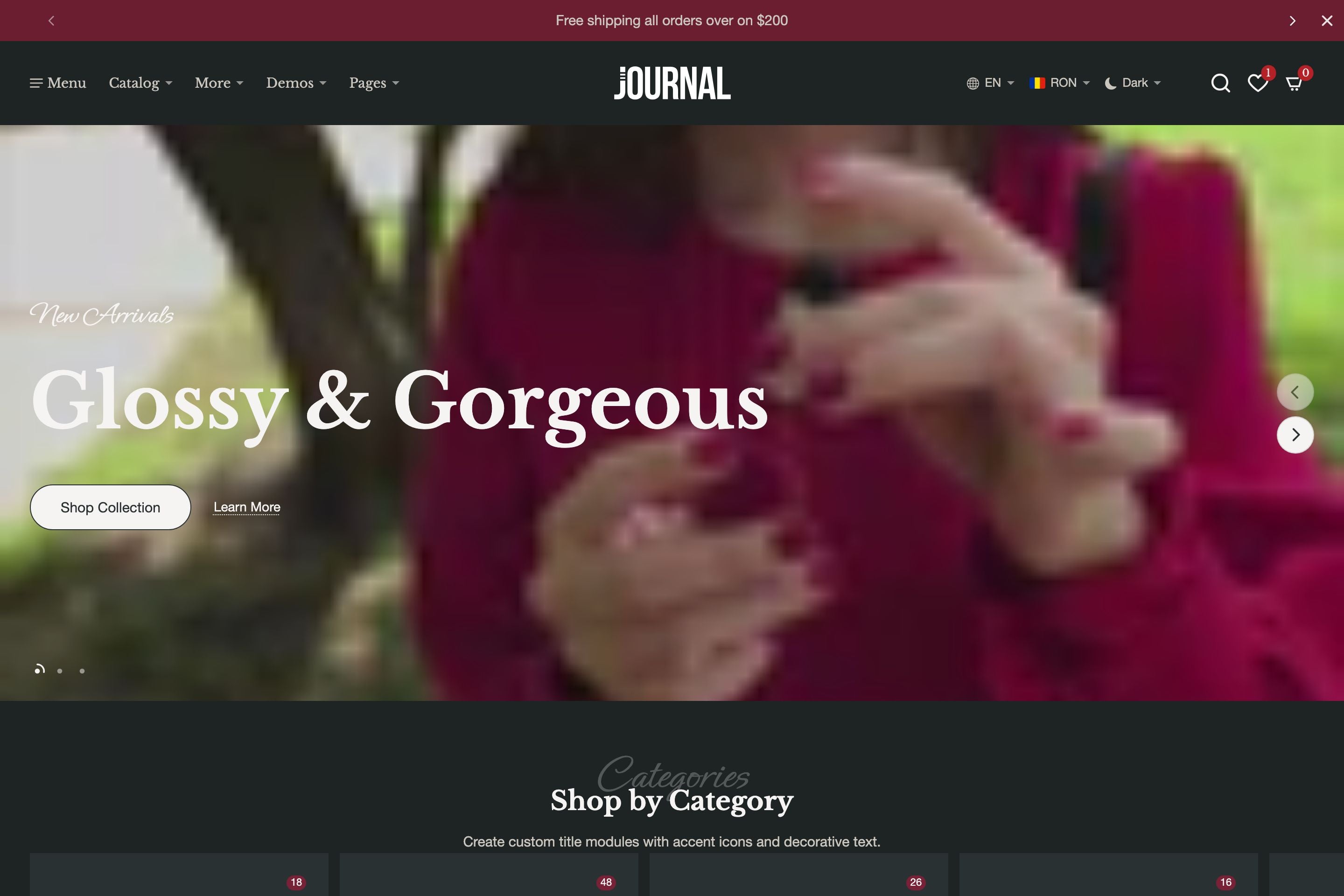
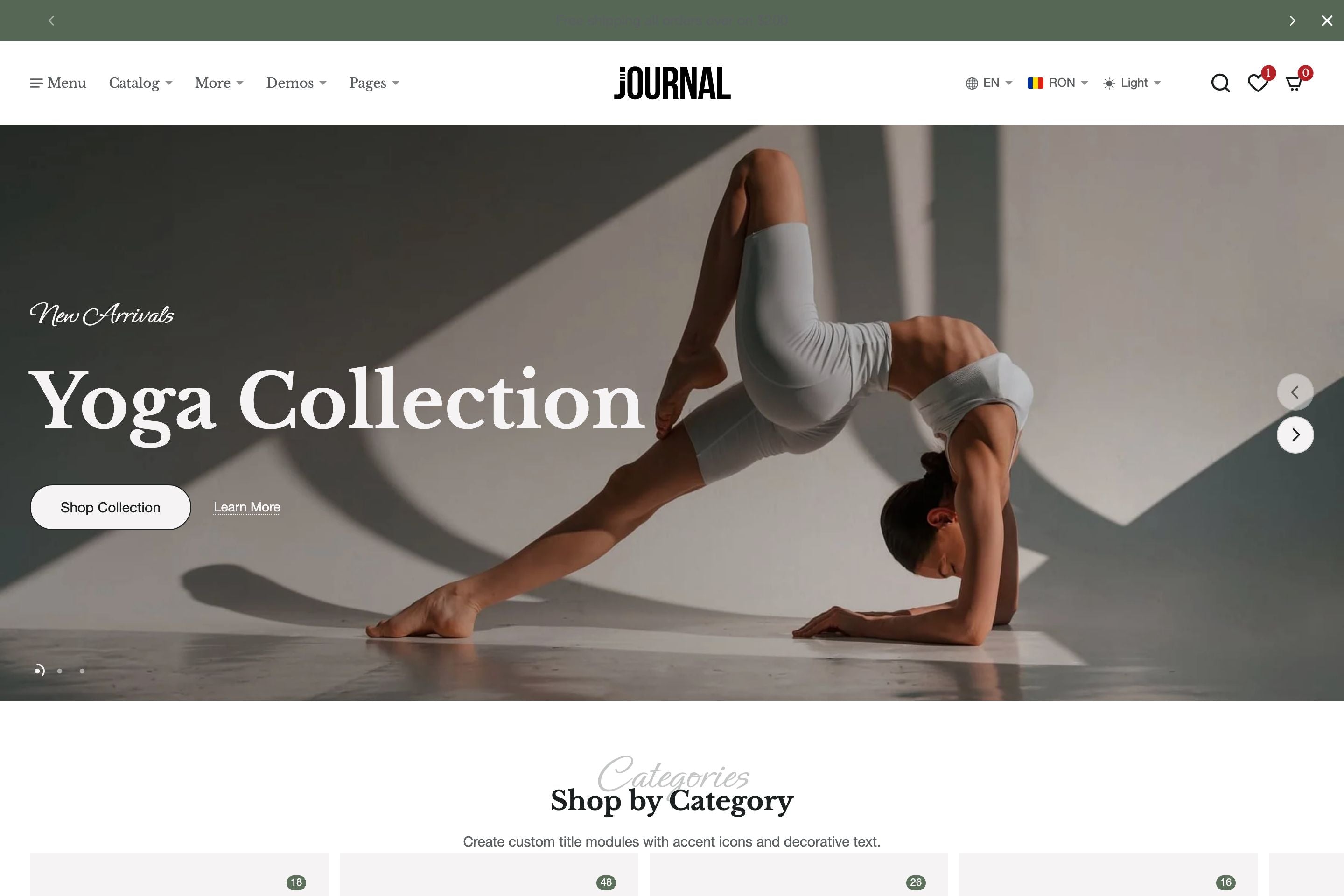

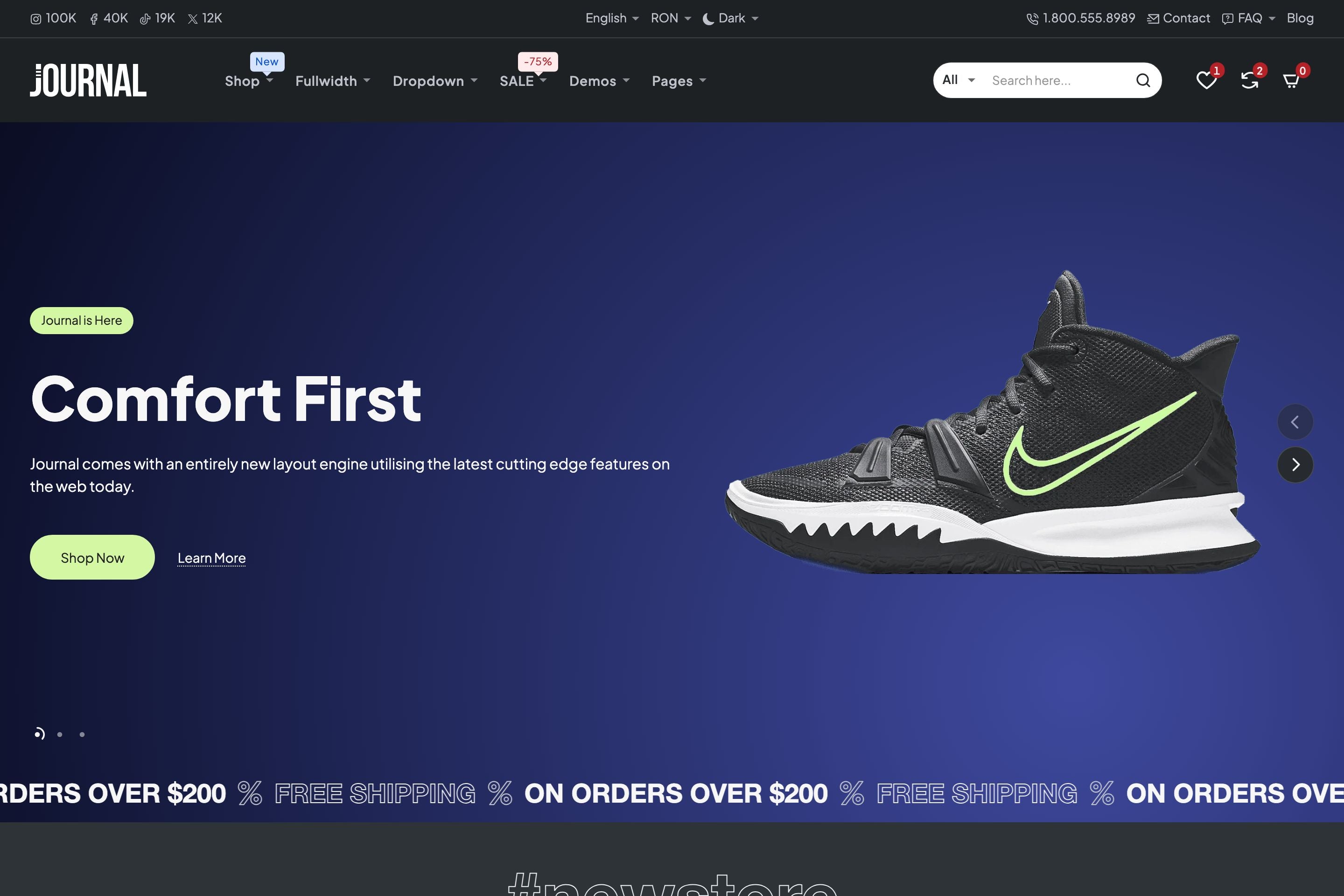
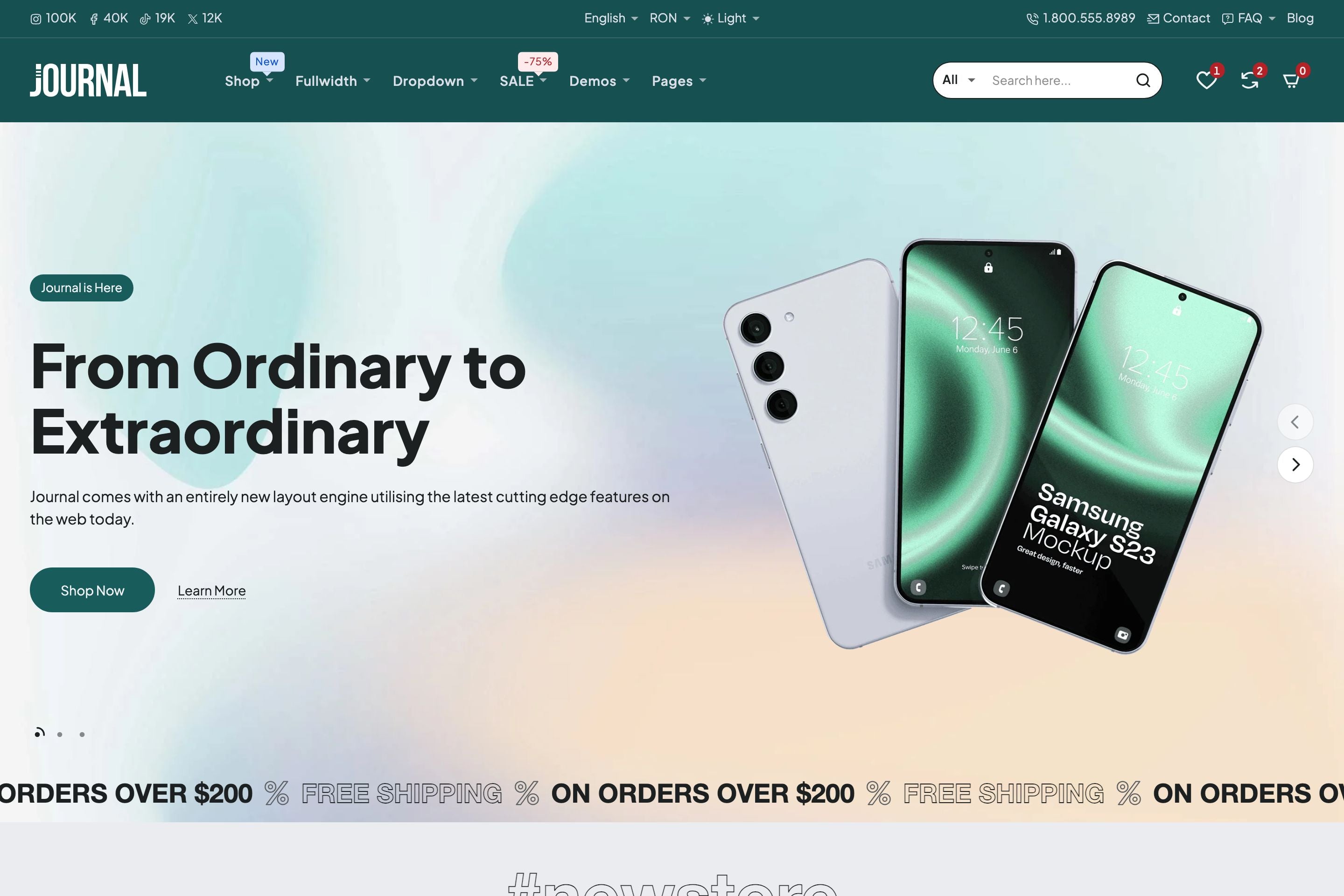

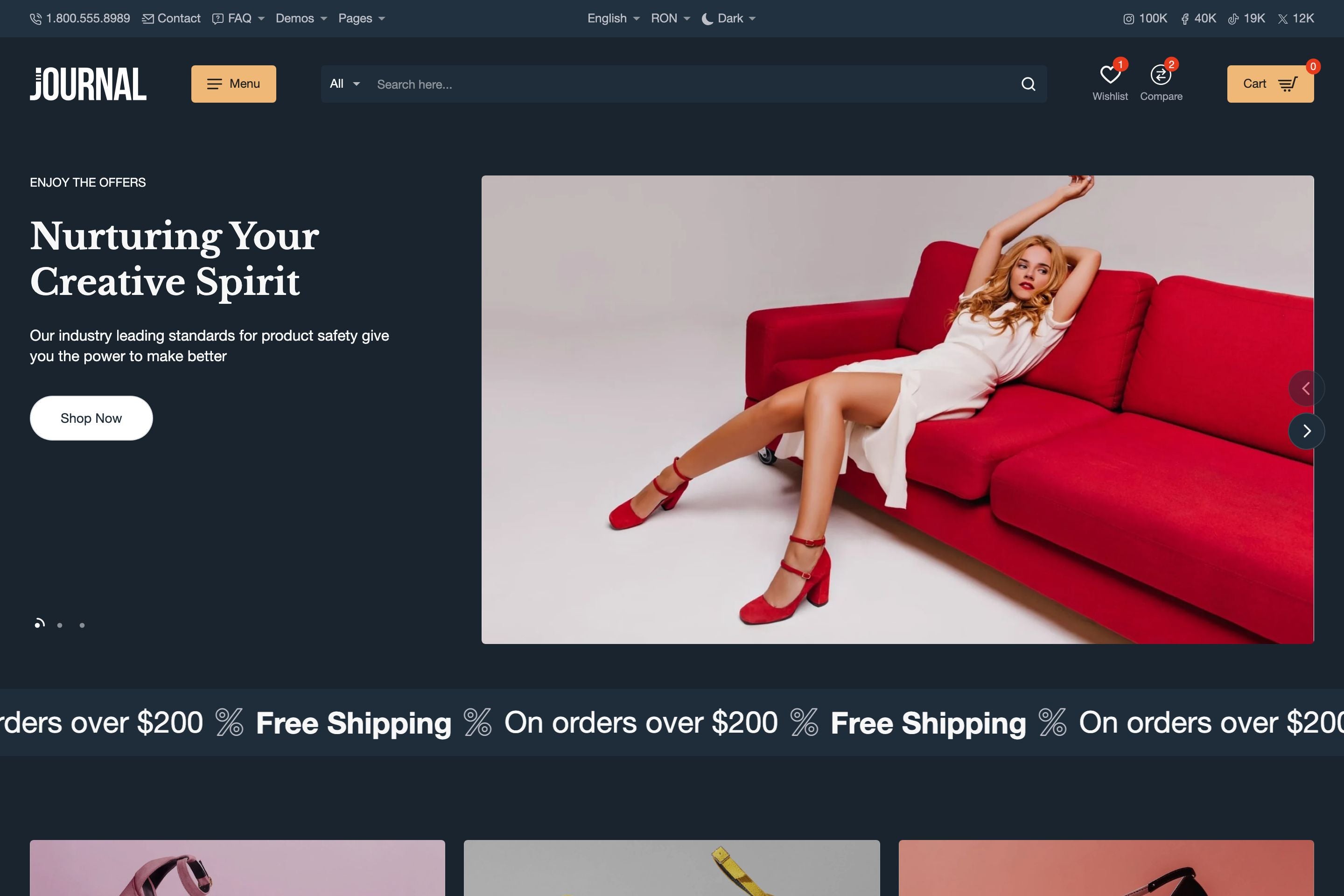
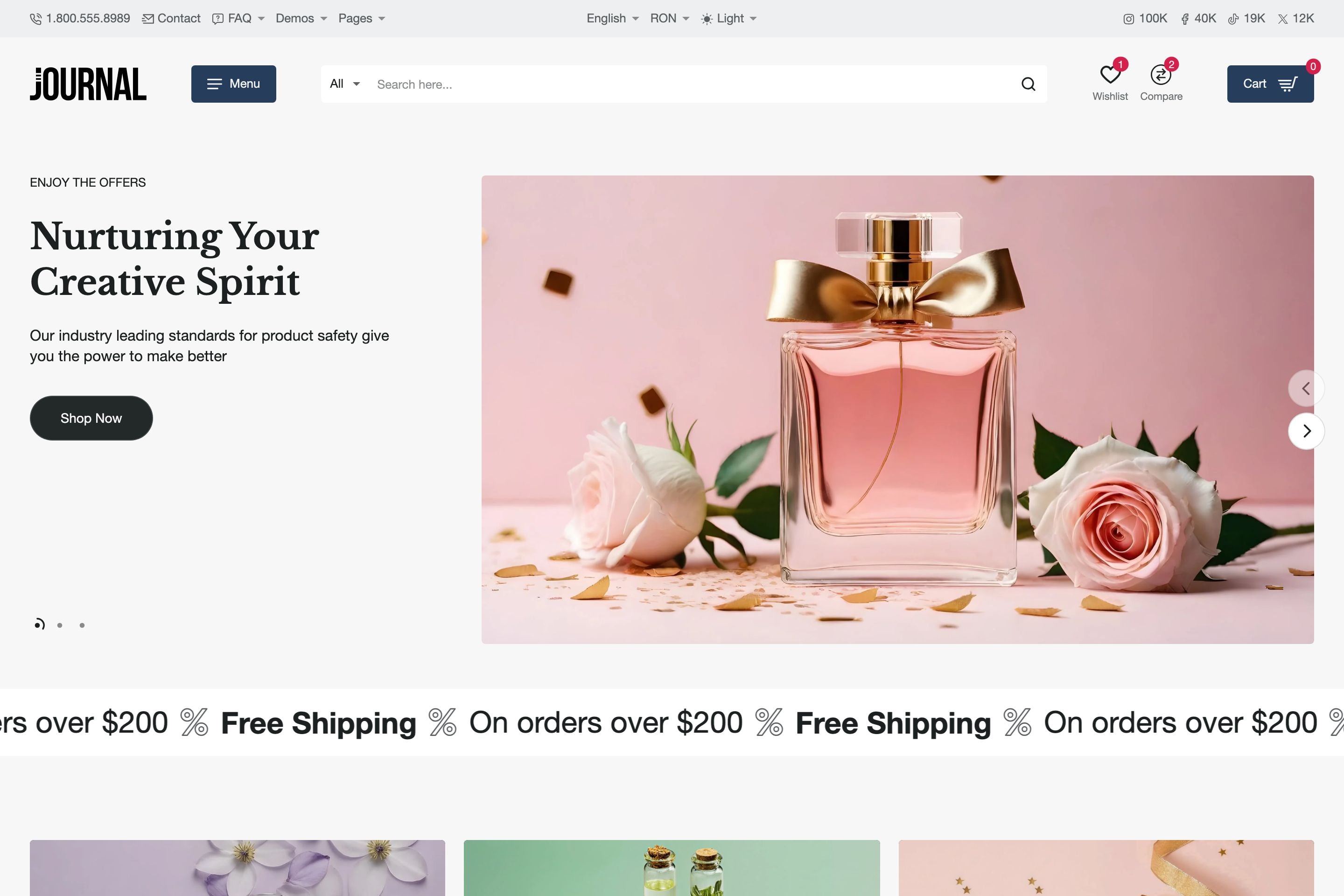




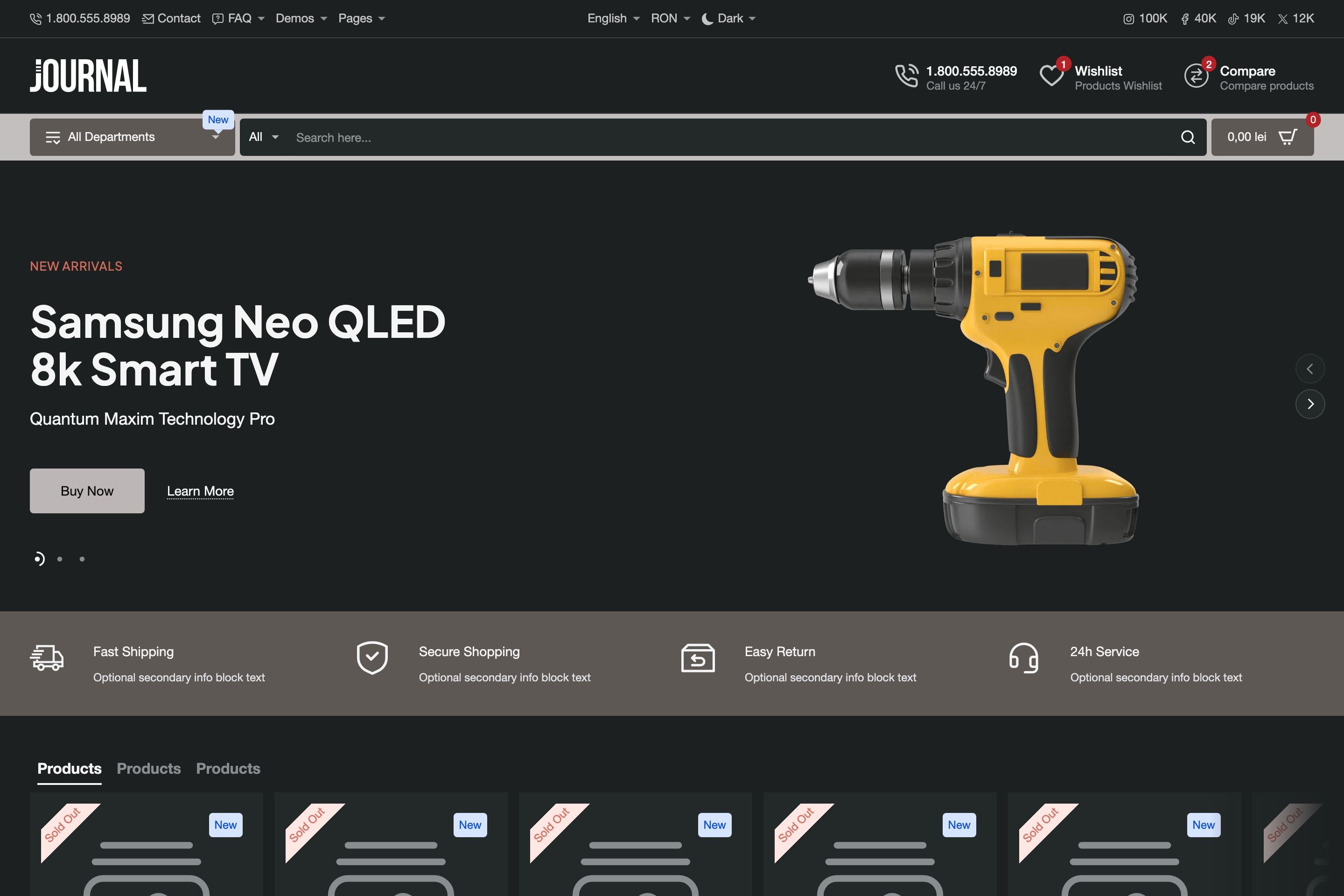
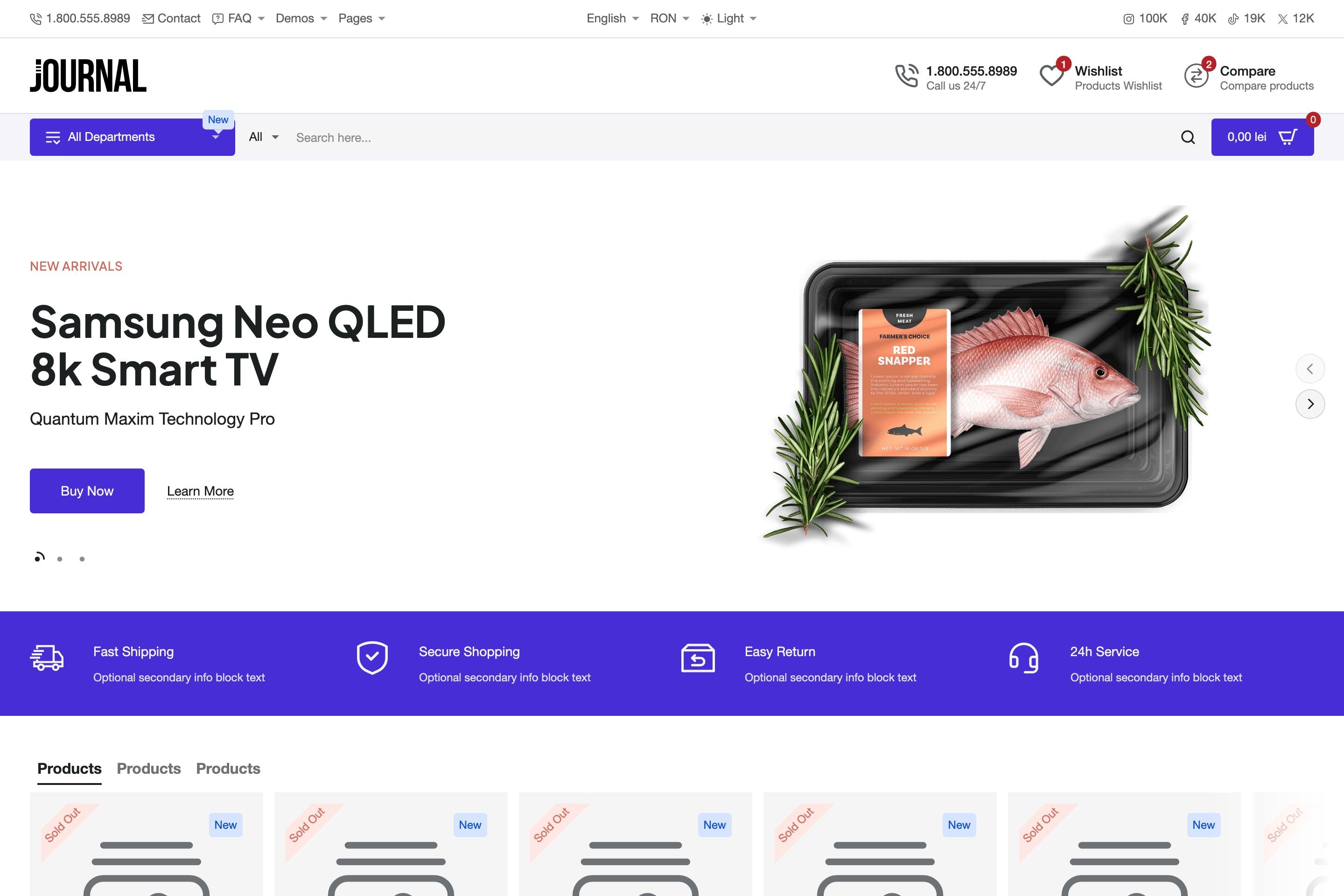

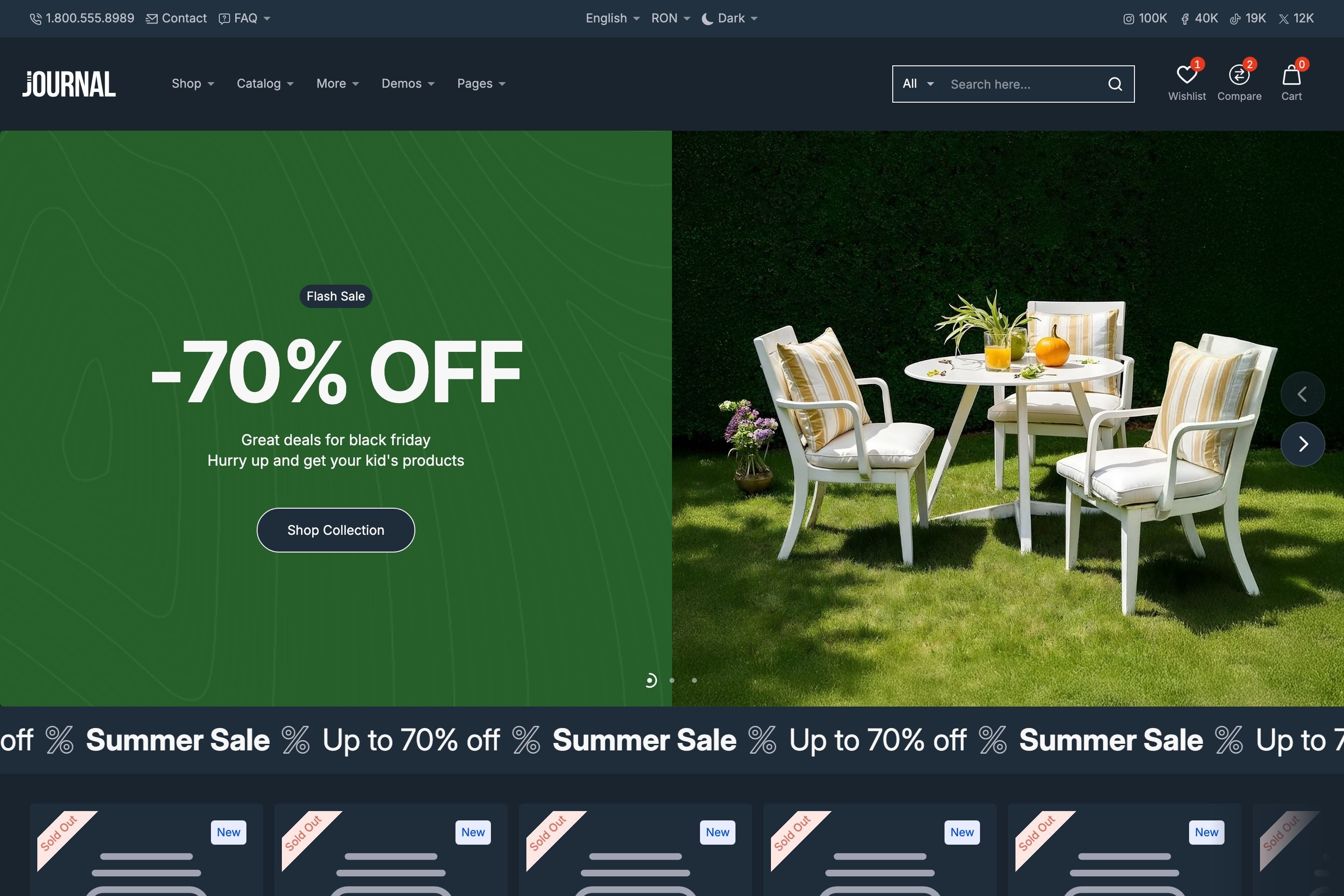
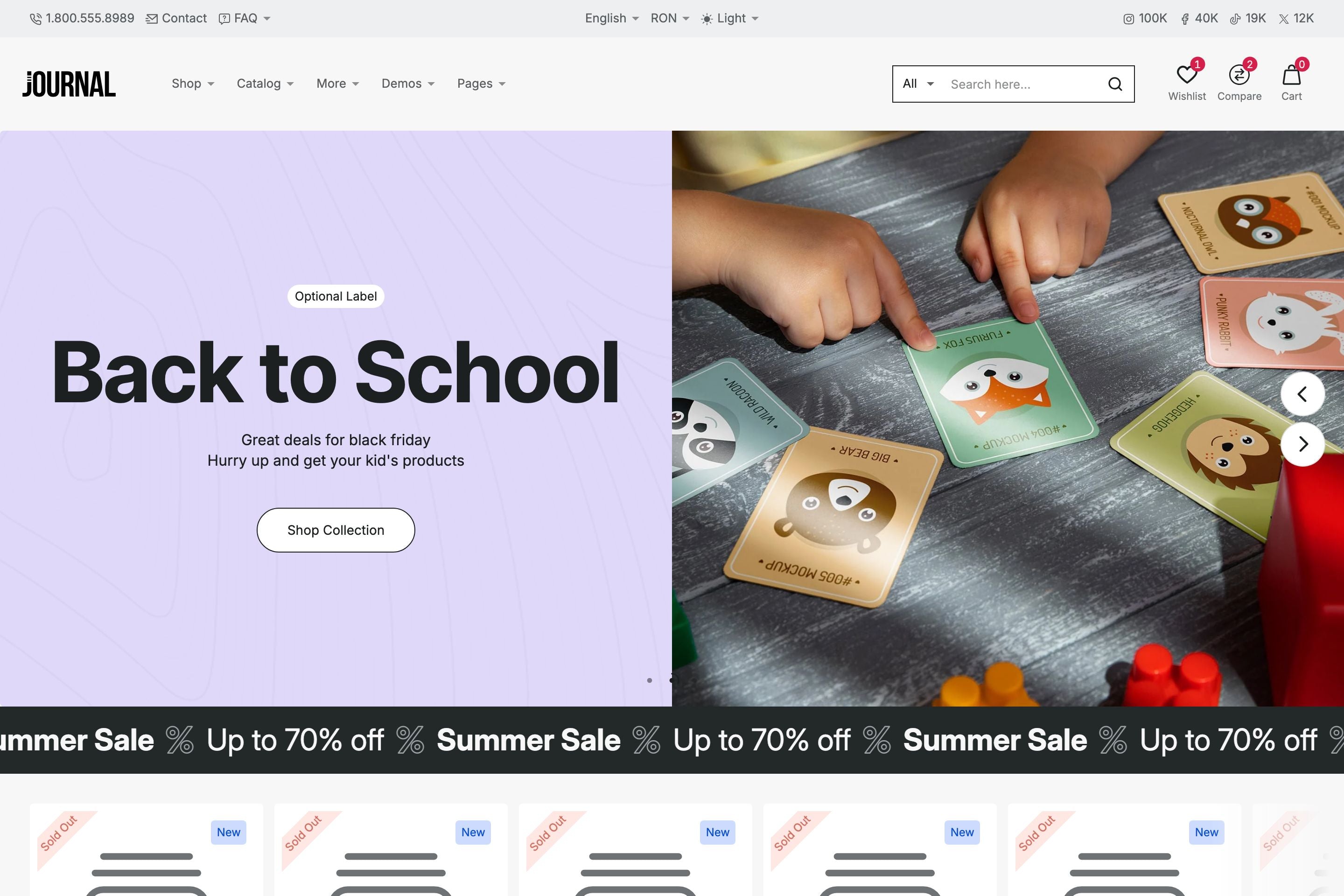


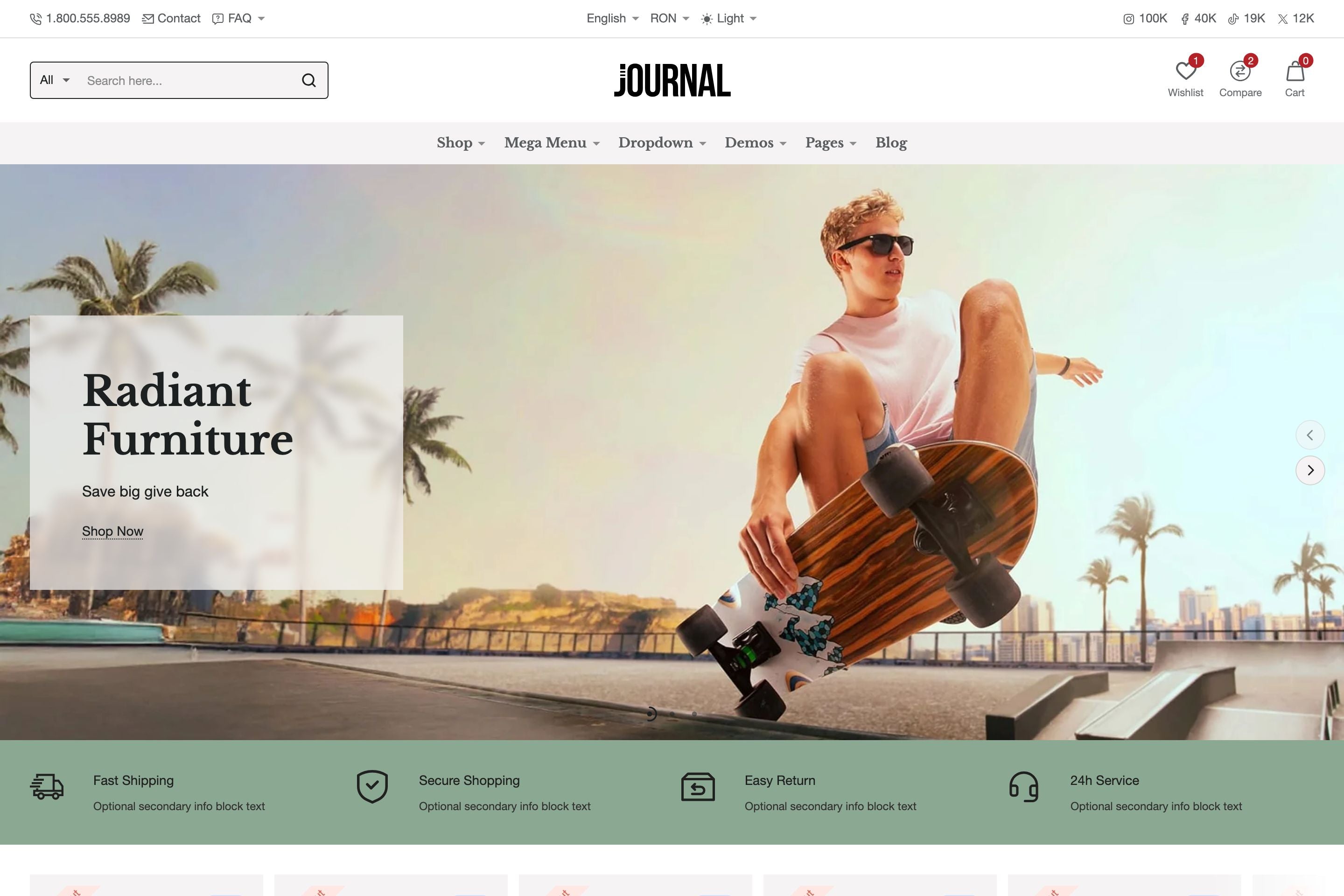

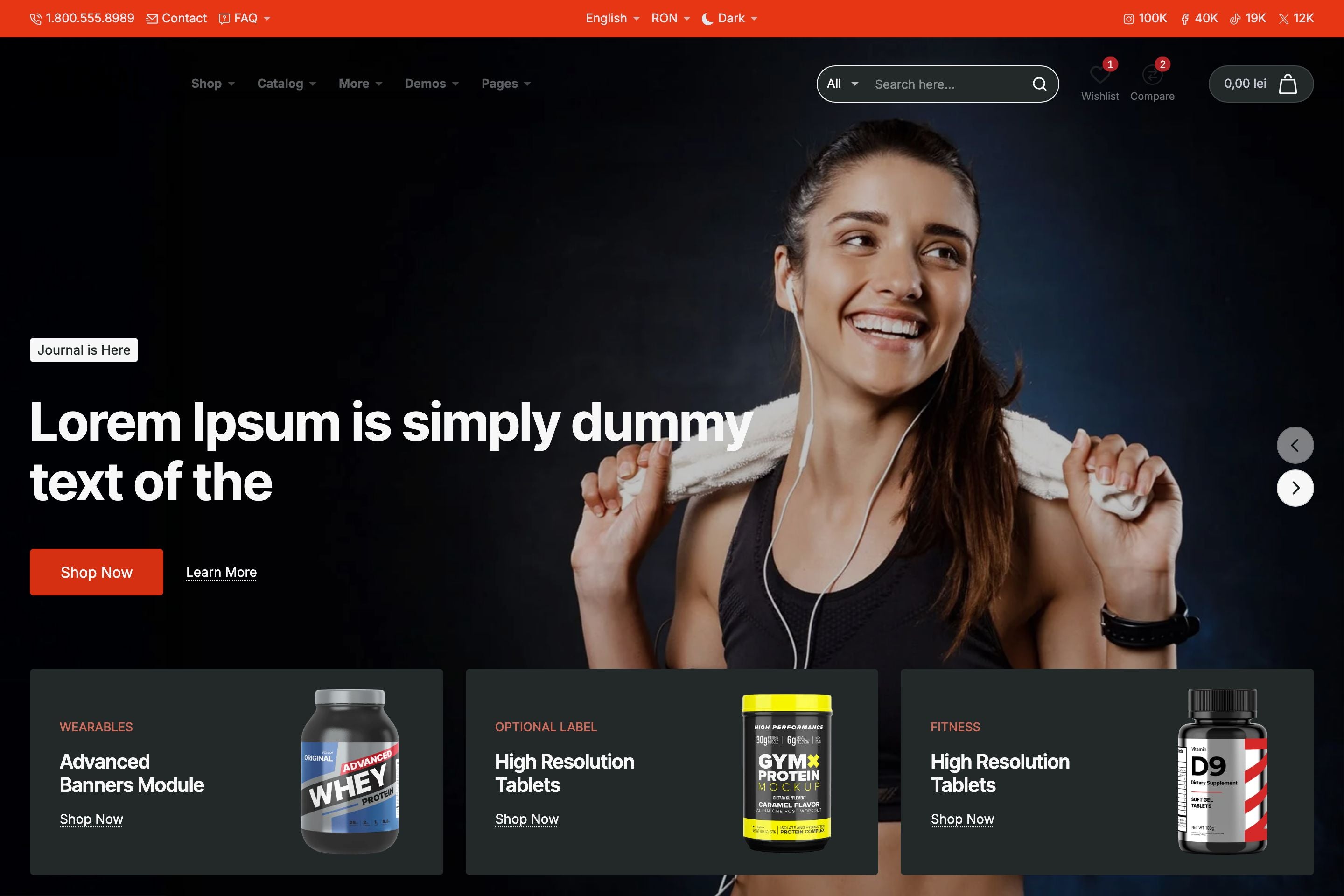


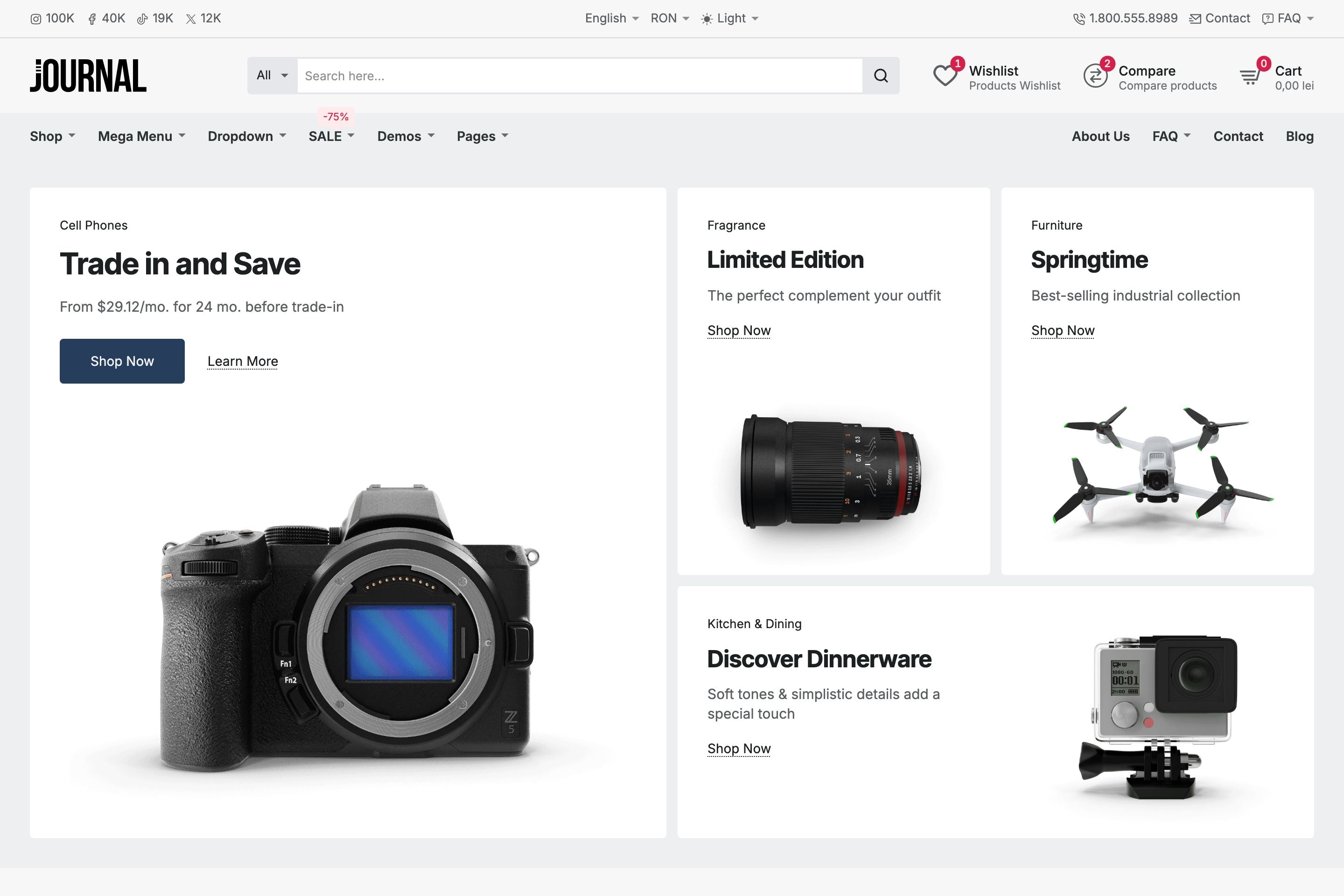

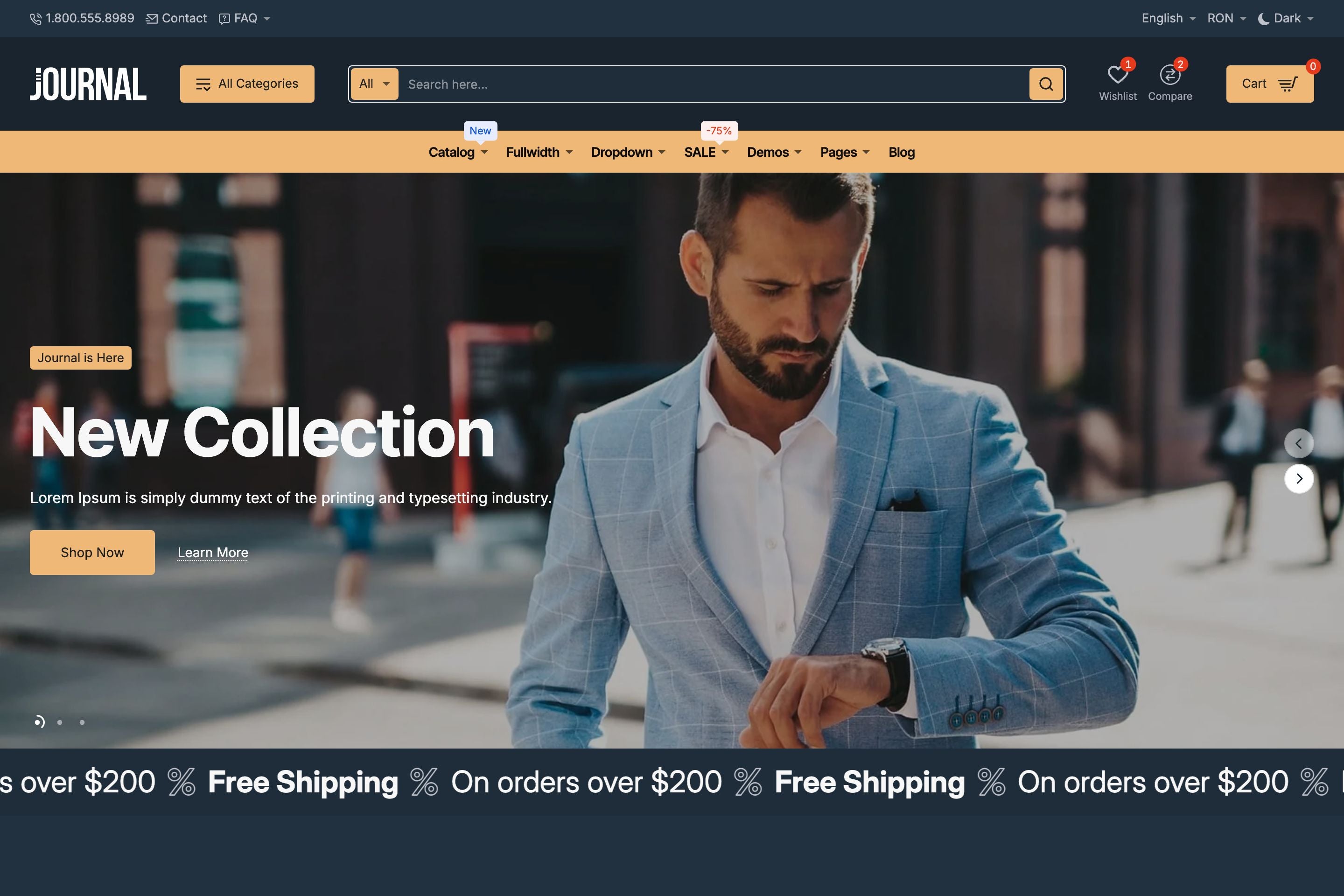


Journal leverages Shopify’s groundbreaking color schemes system giving merchants, developers, and designers unprecedented control over branding.
Instead of manually setting colors on individual elements, Journal allows you to manage palettes at scale while maintaining consistency across the entire storefront.
Each Journal demo ships with four color schemes: light, dark, and two branded color variations. You can easily edit these schemes to match your brand or create entirely new schemes as needed.
Scheme Structure
A color scheme in Journal includes:
- Three shade levels for both foreground and background: Primary, Secondary, Tertiary
- Utility colors for borders, links, buttons (branding elements)
- Accent Colors for labels and highlights
With such granular control over color types you can fine-tune colors to perfection.
Applying Colors
When applying colors to elements, you simply choose from the predefined shades of the active scheme. This ensures consistent application without having to reassign colors manually.
Section & Block-Level Control
Color schemes are not locked to global settings. In Journal, you can:
- Assign a scheme globally across the site
- Override it at the section or block level
- Mix and match schemes to create distinct areas within a single page
This makes it possible to map colors precisely and consistently across all design contexts.
Light & Dark Mode
Journal also ships with a built-in Light & Dark mode switcher. Options include:
- Manual toggle in the header – Let users switch themes directly
- Auto mode – Respect the user’s system preference for light or dark mode
Why It Matters
For merchants, developers, and designers, Journal’s color system means:
- Scalable branding – Manage colors centrally, apply them consistently
- Design flexibility – Mix light, dark, and branded schemes across sections
- Future-proof workflows – Adjust a palette once and propagate changes sitewide
All in all, Journal’s color system offers unprecedented control over the way you work with colors at scale, making it one of the most powerful tools in the theme’s design toolkit.
To learn more about Journal, please check out the documentation and video tutorials. If you have additional questions, please reach out in the comments on Envato Market.
Table Example
| Firstname | Lastname | Phone | |
|---|---|---|---|
| Lindsay | Walton | lindsay.walton@example.com | 123-456-7890 |
| Courtney | Henry | courtney.henry@example.com | 123-456-7890 |
| Tom | Cook | tom.cook@example.com | 123-456-7890 |
| Whitney | Francs | whitney.francis@example.com | 123-456-7890 |
| Leonard | Krasner | leonard.krasner@example.com | 123-456-7890 |
| Floyd | Miles | floyd.miles@example.com | 123-456-7890 |
Responsive Image Example

Responsive Video Example


